Production-Grade Image Quality
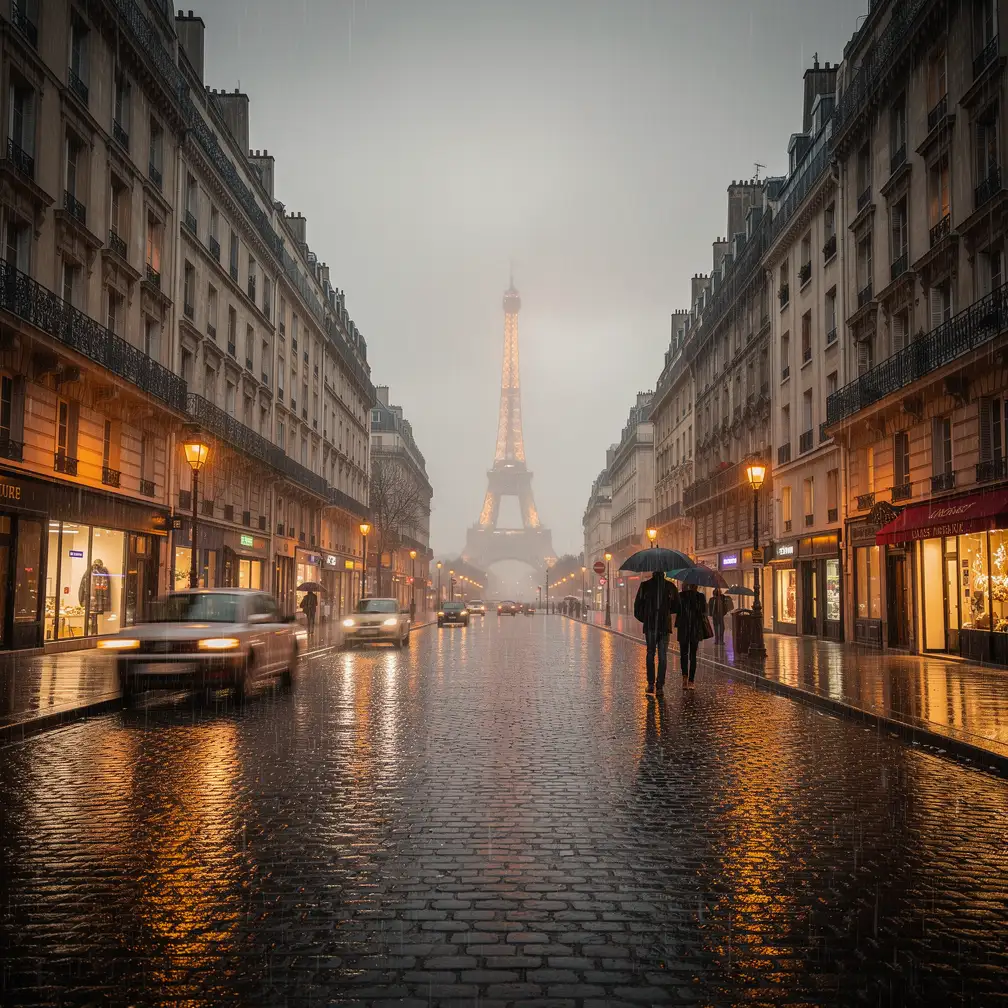
FLUX.2 Pro is designed for high-quality image generation and editing at scale. It is a strong default choice when you need photorealistic detail, readable text, stable styling, and consistent characters or products.
Create production-quality images from prompts or edit existing visuals with Black Forest Labs FLUX.2 Pro. Use text-to-image and image-to-image workflows on Vidguru with flexible aspect ratios and 1K, 2K, or 4K output. Try it free in Vidguru.
FLUX.2 Pro is designed for high-quality image generation and editing at scale. It is a strong default choice when you need photorealistic detail, readable text, stable styling, and consistent characters or products.
Vidguru supports both creation modes for FLUX.2 Pro. Start from a prompt to make a new scene, or upload references and use natural language to edit, combine, or restyle existing images.
Use up to 8 reference images on Vidguru. FLUX.2 Pro can use those references for product identity, character consistency, brand color, background design, object shape, or visual style.
Compared with FLUX.2 Max, FLUX.2 Pro keeps the same core parameter set on Vidguru but uses a lower credit rule. It is the practical choice for teams that need strong quality across repeated production work.
FLUX.2 Pro is a practical choice for daily product concepts and catalog-style images that need clean lighting, realistic surface detail, and repeatable quality.
Generate Image From Text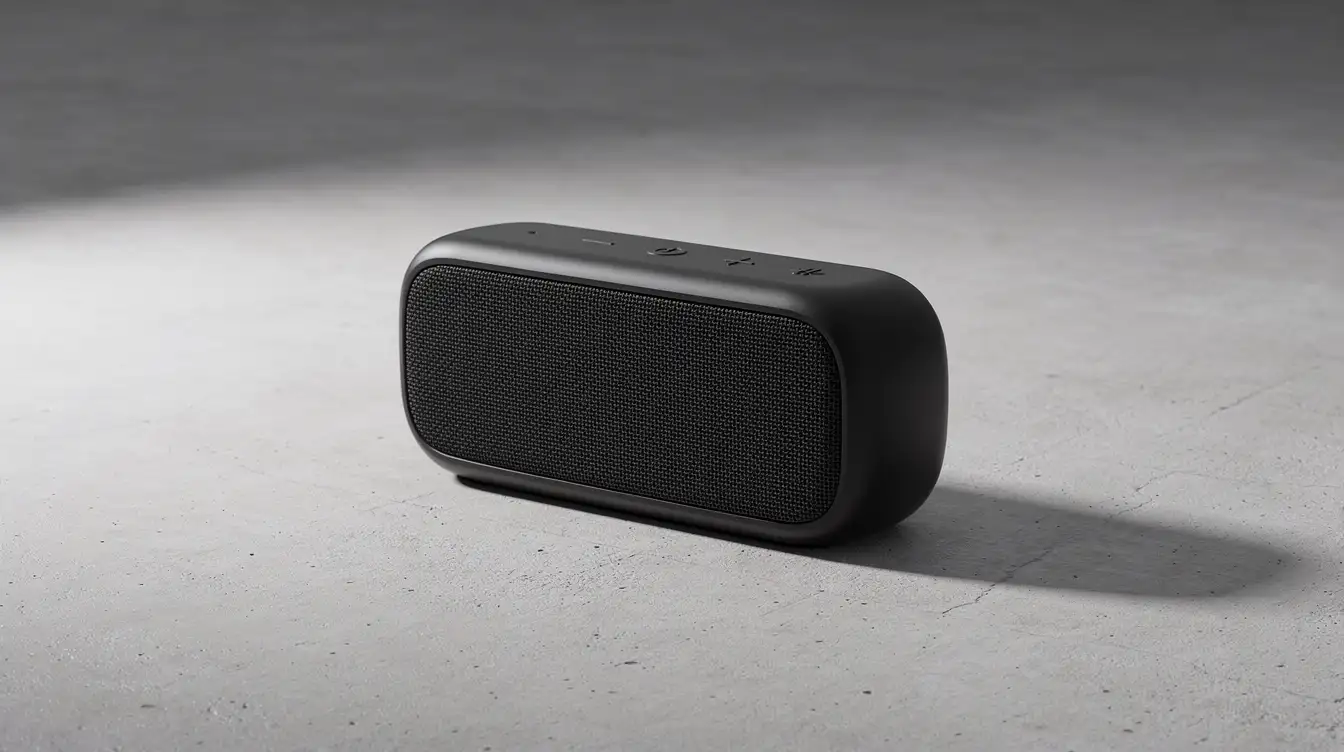
FLUX.2 Pro is useful for poster drafts, UI mockups, and campaign concepts where teams need readable text, solid layout, and efficient iteration across many variants.
Generate Image From Text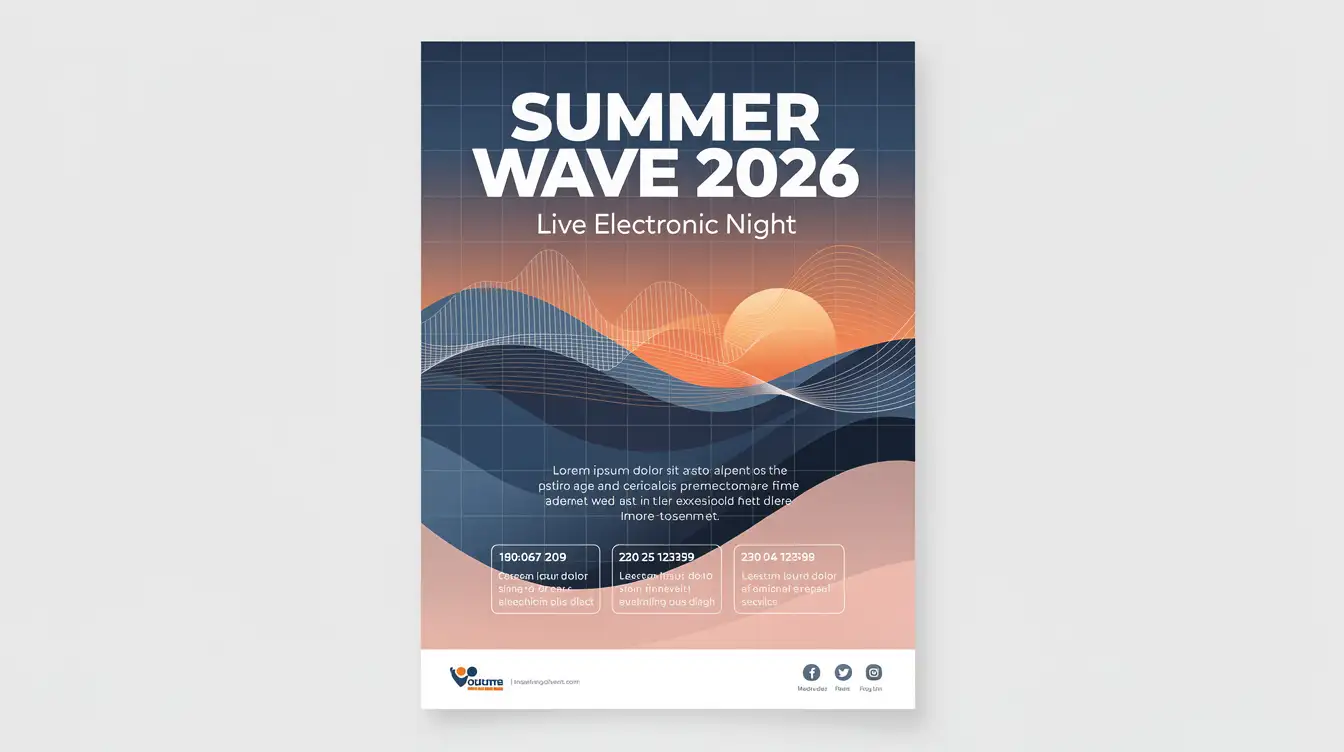
Use FLUX.2 Pro for repeatable product lifestyle edits where identity preservation, cost control, and daily production speed are all important.
Generate Image From Image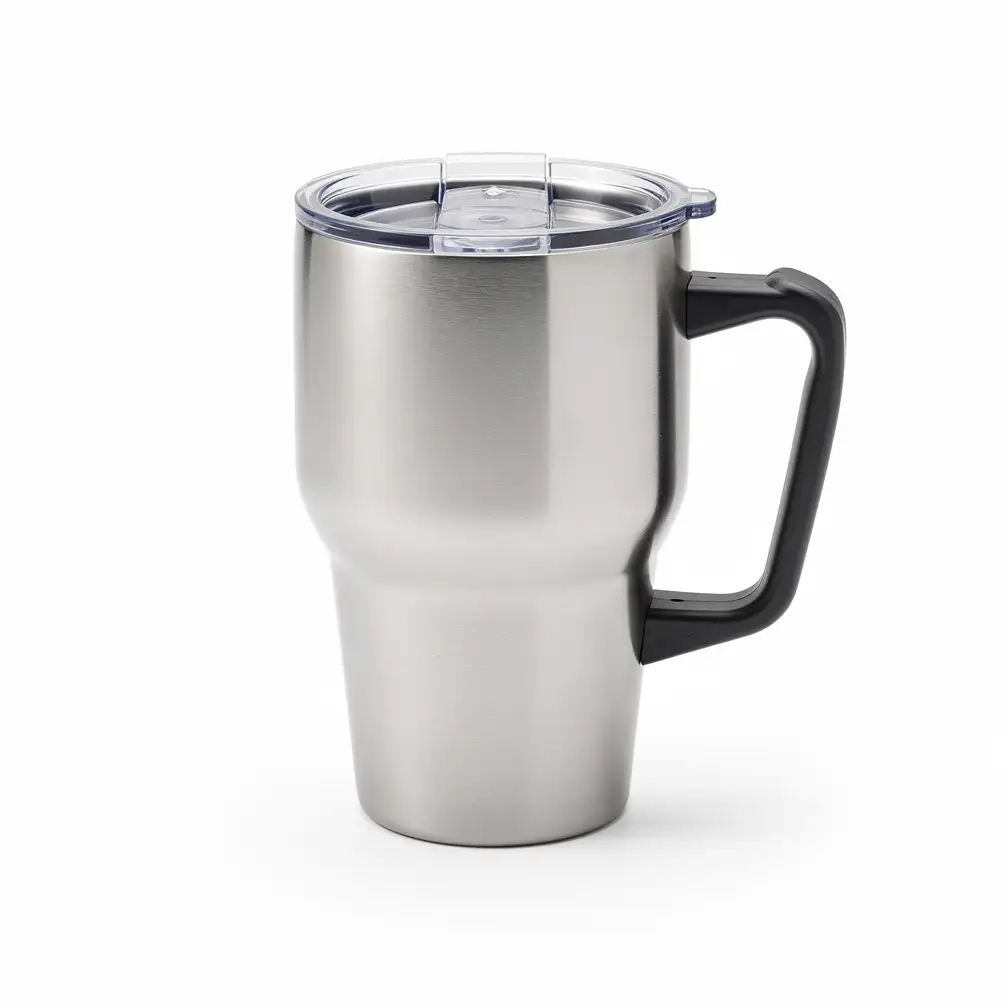 Before
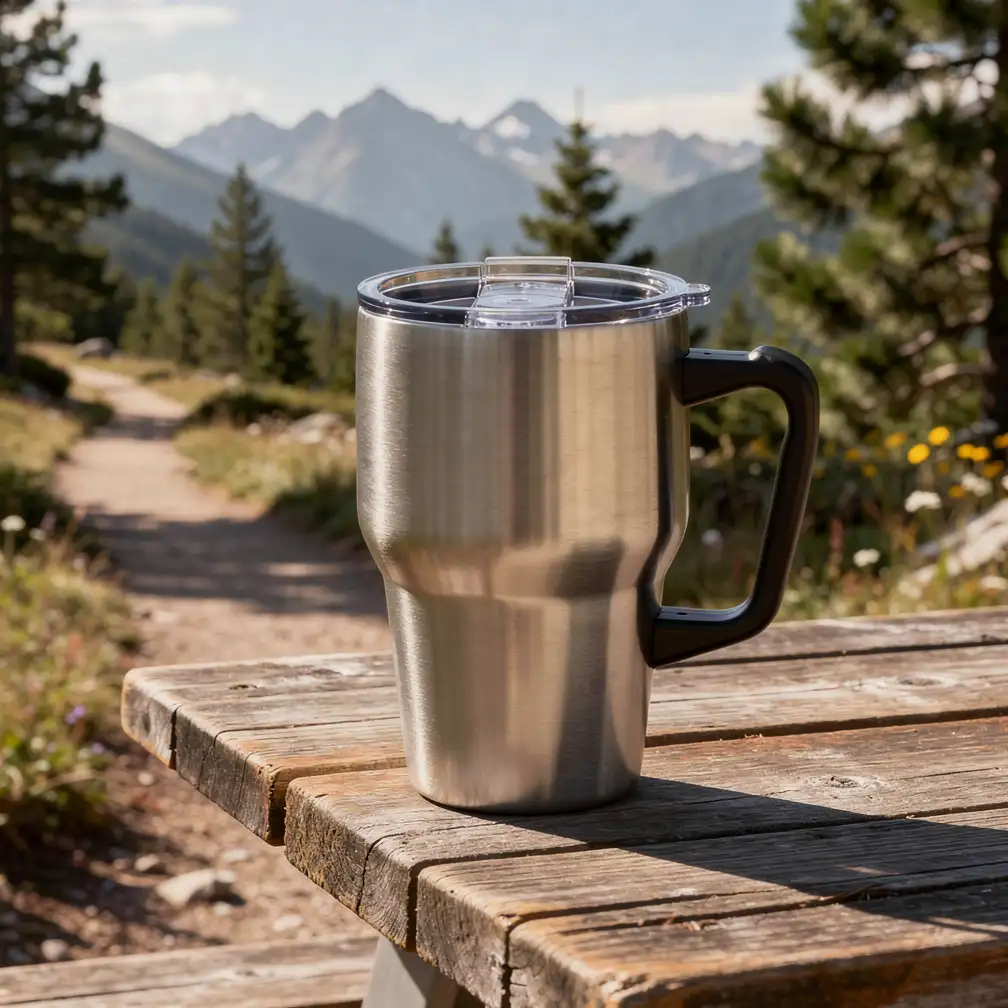 After
AfterFLUX.2 Pro handles multi-reference creative work well when you need a consistent character or product across a scalable series of lower-cost iterations.
Generate Image From Image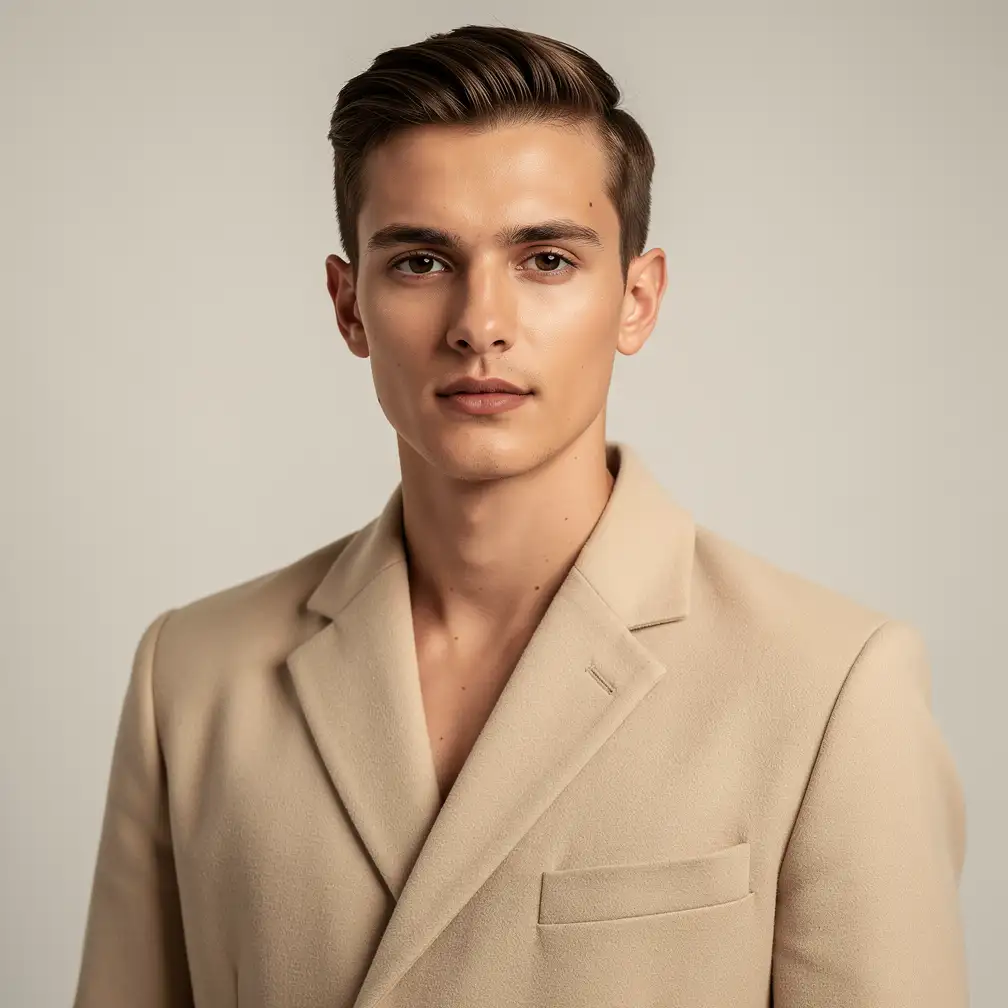
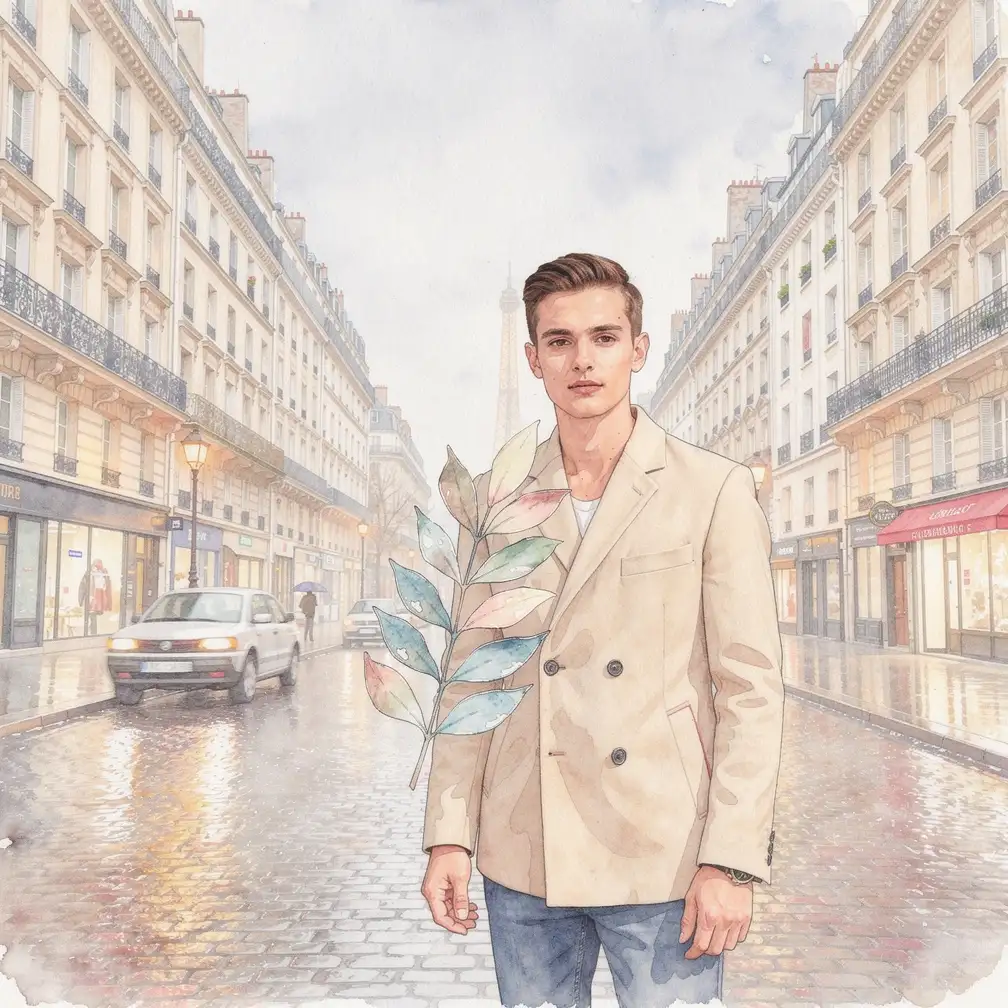
Use Text to Image for prompt-only creation. Use Image to Image when you want to preserve, edit, combine, or restyle uploaded references.
Put the subject first, then composition, lighting, style, materials, and text. For image editing, state what to preserve before describing what to change.
Use 1K for drafts, 2K for polished day-to-day assets, and 4K when a daily production asset needs extra detail. Pick aspect ratios such as 1:1, 16:9, 9:16, 4:5, or 3:4 based on the destination.
Check text spelling, object identity, subject anatomy, material detail, lighting, and brand color. Reuse seed when you want controlled comparisons across prompt variations or content batches.
Generate product mockups, product-on-location visuals, clean catalog images, and repeatable campaign variations.
Create posters, thumbnails, social layouts, style boards, and visual directions with readable text and controlled composition.
Produce ad concepts, image variants, seasonal creatives, and reusable brand asset systems for daily campaign work.
Explore photorealistic scenes, stylized illustrations, character portraits, and multi-reference edits without jumping straight to the highest-cost final-render model.
FLUX.2 Pro is a Black Forest Labs image generation and editing model focused on production-quality results, photorealistic detail, readable text, and multi-reference consistency.
Yes. FLUX.2 Pro supports a free trial on Vidguru, so users can test text-to-image and image-to-image workflows before choosing a paid plan.
Yes. Vidguru supports both workflows. For text-to-image, use prompt, resolution, aspect_ratio, and optional seed. For image-to-image, upload reference images and use prompt, resolution, aspect_ratio, and optional seed.
Choose FLUX.2 Pro when you want high-quality generation and editing at a better credit cost. Choose FLUX.2 Max when the final image needs the strongest prompt adherence and highest editing consistency.
FLUX.2 Dev is the open-weight, efficiency-focused version. It is useful for cheaper iteration and experimentation. FLUX.2 Pro and Max are better fits for production workflows that need stronger reliability and premium polish.
Vidguru supports up to 8 uploaded reference images for FLUX.2 Pro image-to-image.
Vidguru supports 1K, 2K, and 4K for FLUX.2 Pro.
Supported values are match_input_image, 1:1, 16:9, 3:2, 2:3, 4:5, 5:4, 9:16, 3:4, and 4:3.
Use clear, positive instructions. Describe the final image you want, not a long list of things to avoid. For multi-reference edits, explain what each image contributes.
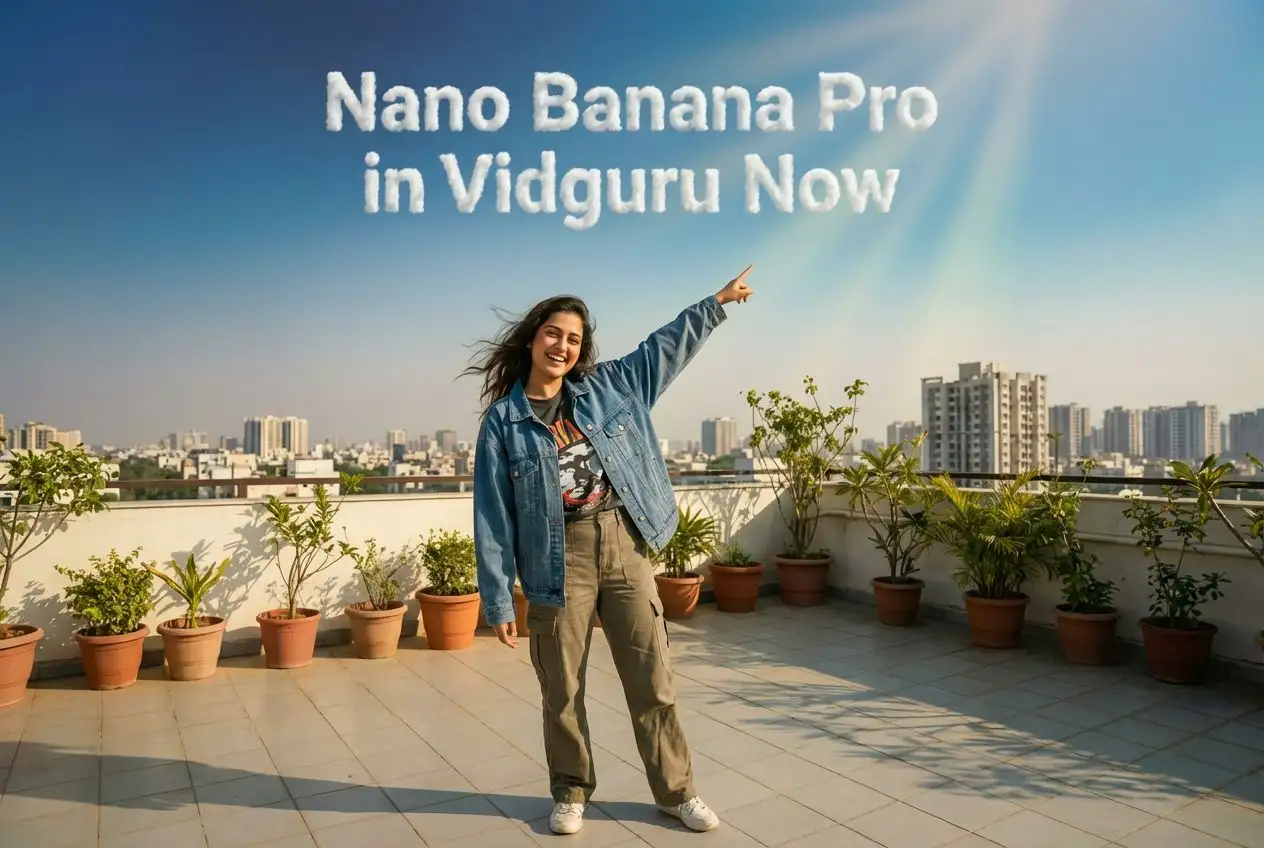
Nano Banana Pro delivers accurate multilingual text in 100+ languages, 4K studio‑quality output, and advanced image blending. Try it free on Vidguru.
Try Now Nano Banana Pro →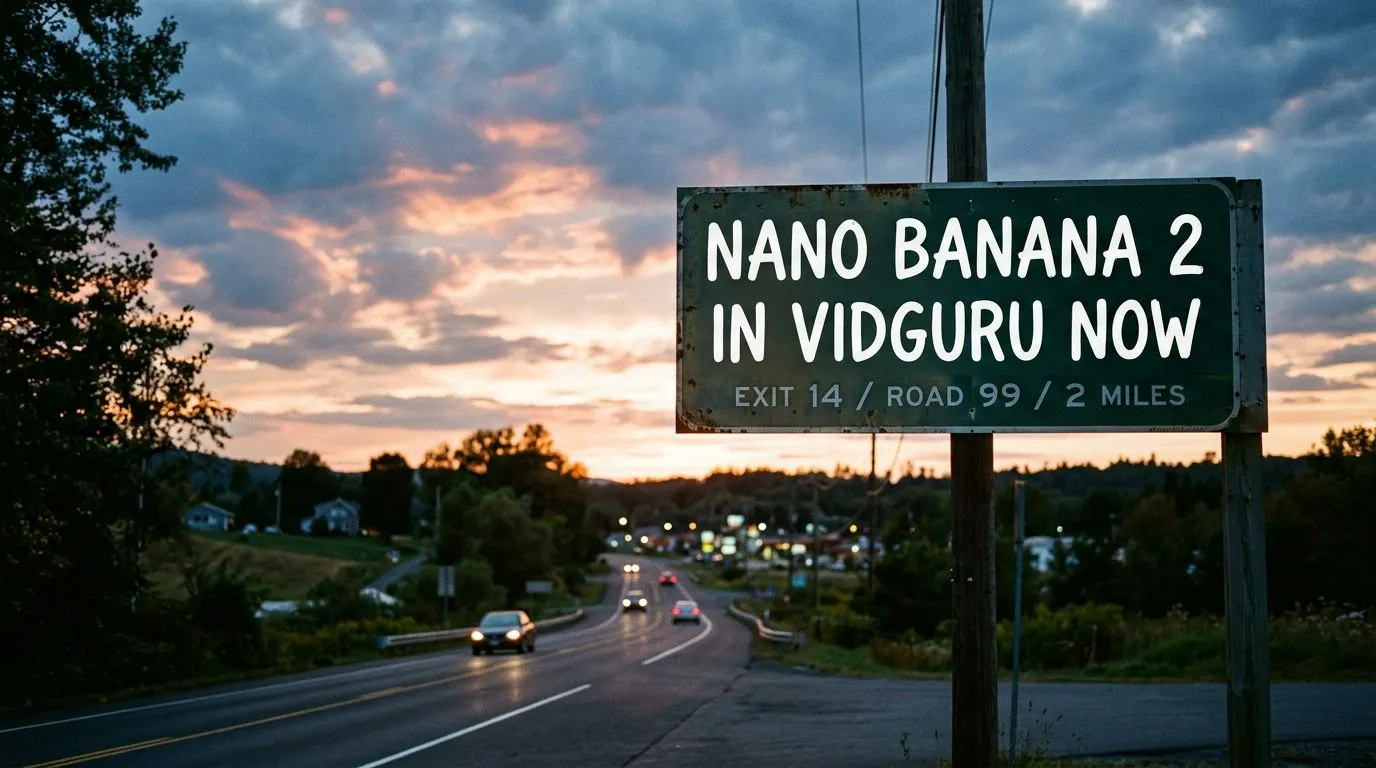
Google's Nano Banana 2 delivers Pro-level visual quality at Flash-level speeds. Grounded in real-time Google Search data. Try it free on Vidguru.
Try Now nano-banana-2 →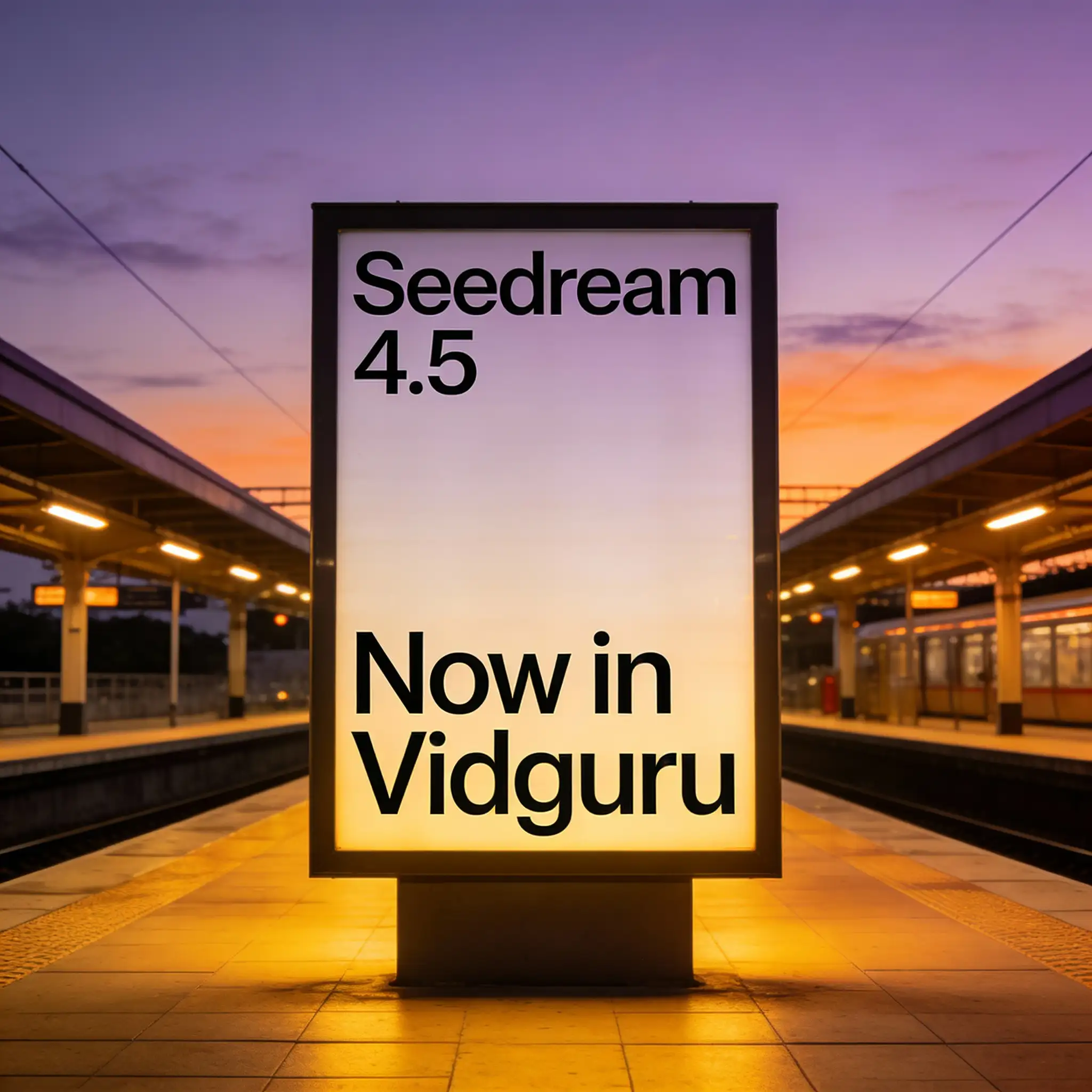
Seedream 4.5 delivers cinematic-quality visuals, industry-leading multi-image consistency, advanced spatial reasoning, and professional-grade editing capabilities. Try it free on Vidguru.
Try Now Seedream 4.5 →
ByteDance's Seedream 5.0 features multi-step reasoning and spatial physics for 3K visuals. Generate 10 variations at once. Try it free on Vidguru.
Try Now seedream-5 →
Generate and edit images with xAI Grok Imagine Image on Vidguru. Use a fast, versatile model for text-to-image, image-to-image, readable visual text, and rapid creative exploration. Try it free in Vidguru.
Try Now Grok Imagine Image →
Create sharper, richer, more professional AI visuals with xAI's premium Grok model. Generate or edit in 1K or 2K. Try it free on Vidguru.
Try Now Grok Imagine Image Quality →
Generate high-fidelity images from prompts or edit existing visuals with Black Forest Labs FLUX.2 Max. Use text-to-image and image-to-image workflows on Vidguru with 1K, 2K, and 4K output. Try it free in Vidguru.
Try Now flux-2-max →
Generate and edit images with Black Forest Labs FLUX.2 Dev on Vidguru. Use an efficient open-weight FLUX.2 model for text-to-image, image-to-image, and fast creative iteration. Try it free in Vidguru.
Try Now flux-2-dev →
Unleash the power of the most intelligent AI image model ever built. GPT-Image-2 delivers flawless typography, complex logical reasoning, and cinematic realism in every frame. Try it for free on Vidguru.
Try Now GPT-Image-2 →
Bridge the gap between artificial intelligence and professional design with Recraft V4.1. Generate production-ready visuals with art direction, typography control, and high-resolution output. Try it free on Vidguru.
Try Now Recraft V4.1 →
Create photorealistic and typography-rich images with Ideogram V4. Switch between Quality and Balanced. Try it free on Vidguru.
Try Now Ideogram V4 →