Lower-Cost Seedance 2.0 Workflow
Seedance 2.0 Mini is ByteDance's lower-cost Seedance 2.0 variant for high-volume testing, prototyping, and 480p/720p output.
Create lower-cost AI videos from text, uploaded images, and multimodal references with Seedance 2.0 Mini on Vidguru.
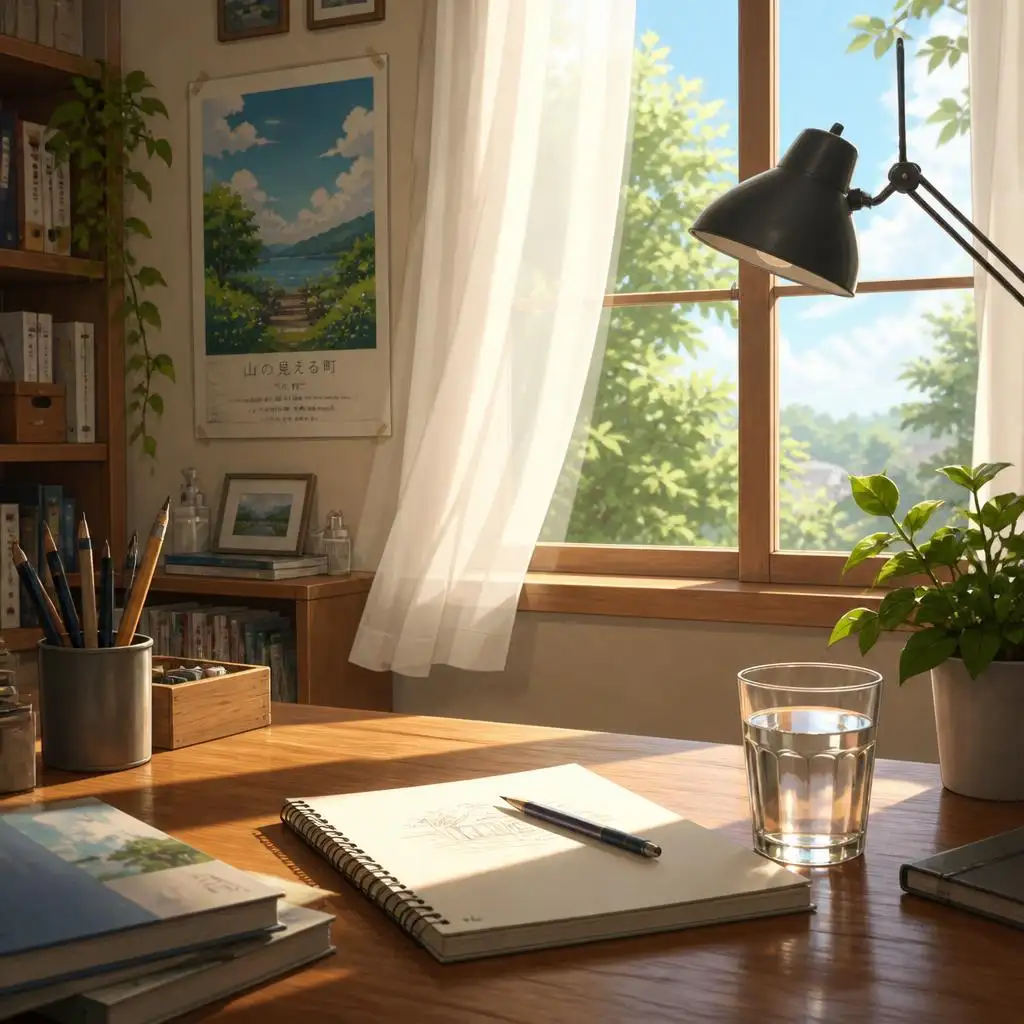
(Created by Seedance 2.0 Mini)
Seedance 2.0 Mini is ByteDance's lower-cost Seedance 2.0 variant for high-volume testing, prototyping, and 480p/720p output.
Create from a prompt, animate an uploaded image, add an optional last frame, or guide generation with uploaded image, video, and audio references.
Generate optional synchronized audio for dialogue cues, ambience, sound effects, or music.
Use 1-15 second clips or duration: -1 for AI-adaptive timing. Supported ratios include 16:9, 4:3, 1:1, 3:4, 9:16, 21:9, 9:21, and adaptive.
A premium wireless earbud case opens on a glossy black surface, soft blue rim light, slow macro camera push-in, subtle particles in the air, elegant product commercial style, synchronized soft electronic sound design. Recommended settings: duration 6, resolution 720p, aspect_ratio 16:9, generate_audio optional.
Generate Video From TextThe anime character slowly turns toward the camera and gives a gentle smile. Hair and clothing move softly in a light breeze, smooth camera push-in, preserve the original face shape, hairstyle, outfit details, line art, and color palette, warm cinematic lighting. Recommended settings: duration 5, resolution 720p, aspect_ratio 9:16, single image input.
Generate Video From Image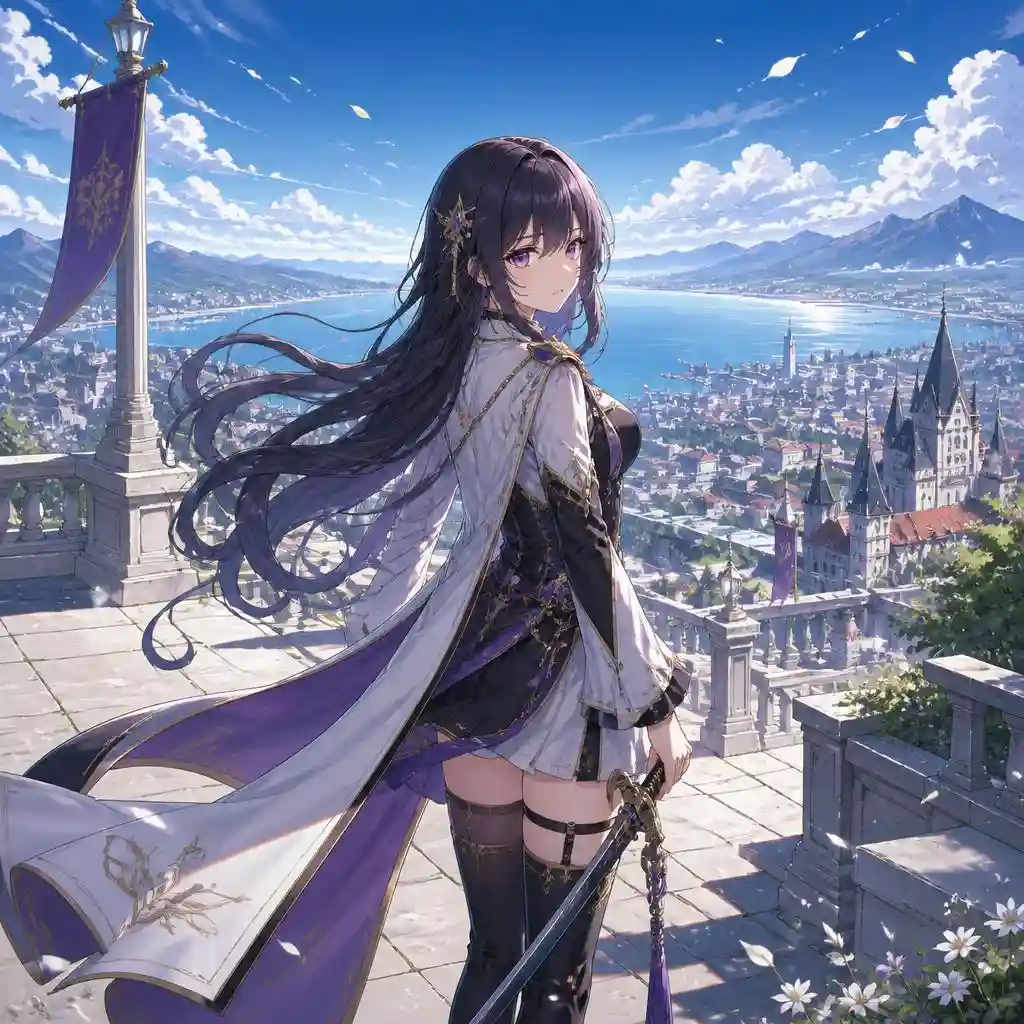
Create a smooth commercial transition from the first product angle to the final product angle. The bottle remains stable and premium, light sweeps across the label, water droplets shimmer, clean studio background, no sudden cuts. Recommended settings: duration 8, resolution 720p, aspect_ratio 1:1.
Generate Video From Image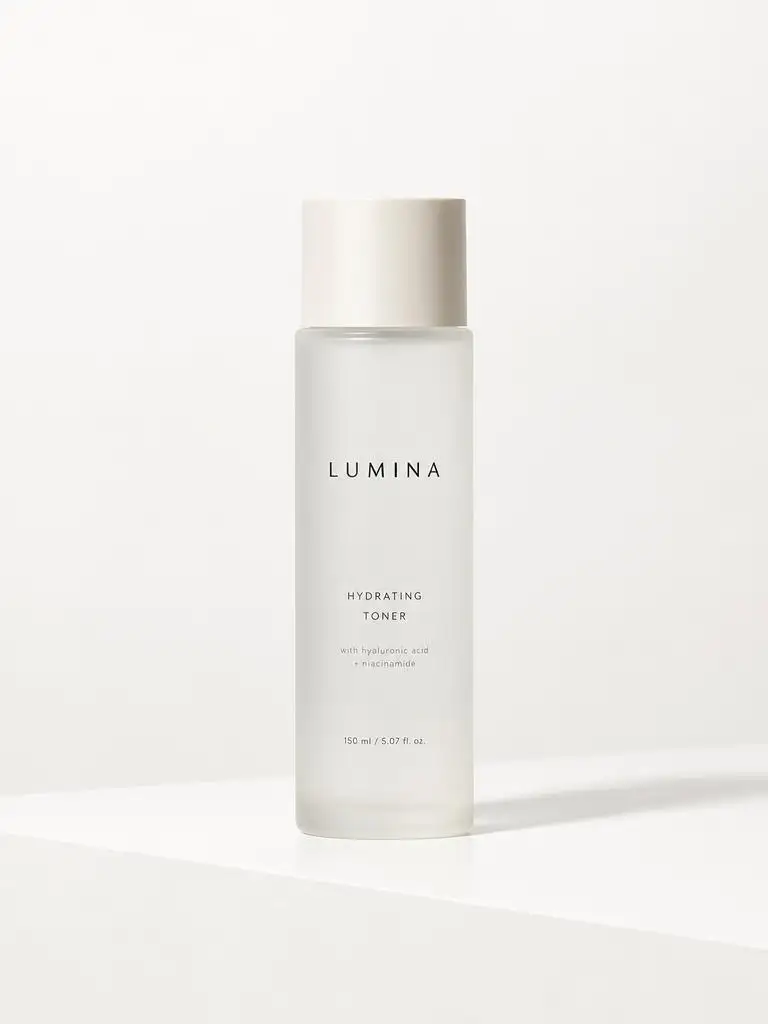
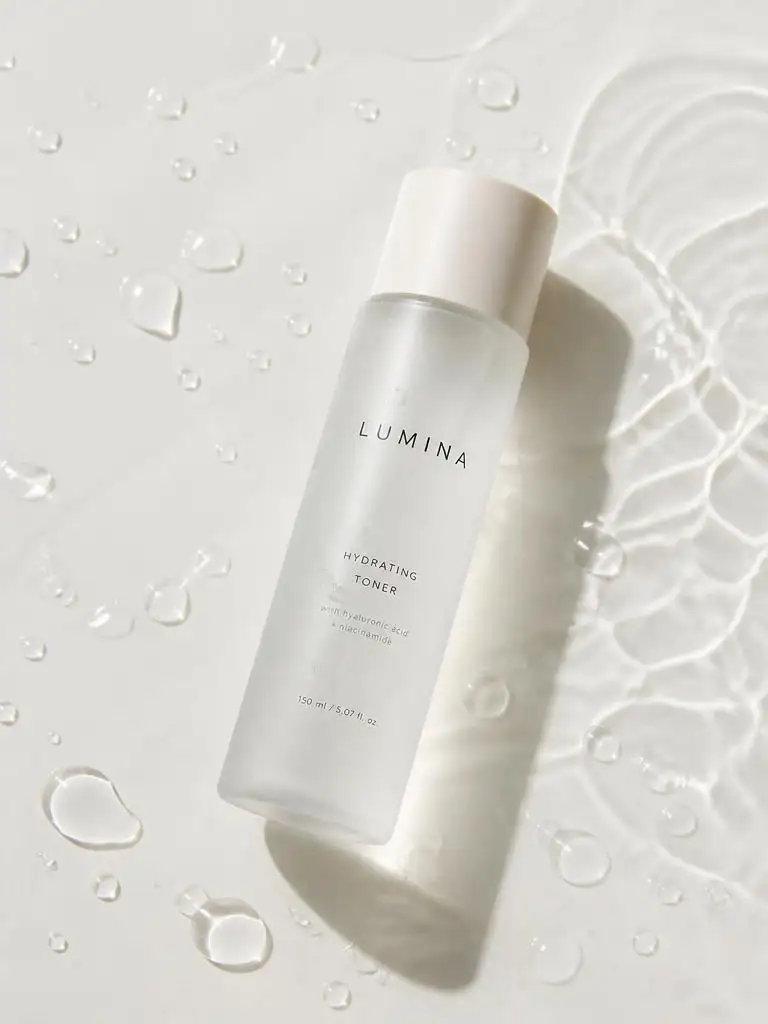
Use Image 1 as the scene and lighting reference. Use Video 1 for the anime mascot character's design, pose, hand gesture, and camera motion. Use Audio 1 as dialogue direction. Create a bright animated lifestyle brand clip where the character naturally appears in the uploaded scene, uses the spoken line as dialogue direction, and presents the product with clean reflections, warm light, and energetic pacing. Recommended settings: duration 6, resolution 720p, aspect_ratio 9:16.
Generate Video From ReferenceMini supports 480p and 720p on Vidguru. Use Seedance 2.0 for 1080p on Vidguru or higher-resolution needs such as 4K where officially available.
Precise hands, object contact, crowded scenes, and fast movement may need retries.
Blurry, cropped, low-light, or cluttered uploads can reduce consistency.
Assign a clear role to each uploaded image, video, or audio reference.
Choose Text to Video, Image to Video, or Reference to Video.
Add a prompt with subject, action, camera movement, lighting, mood, and optional audio direction. Upload source or reference assets as needed.
Choose 1-15 seconds or -1, then select 480p/720p and an aspect ratio.
Review motion, prompt fit, audio, reference consistency, and composition. Iterate at 480p, then use 720p for stronger drafts.
Test hooks, ratios, prompt wording, audio direction, and campaign angles.
Create product reveals, ecommerce clips, and short ad concepts.
Animate portraits, fashion stills, avatars, and creator visuals.
Use images, videos, and audio to guide identity, style, motion, mood, or scene design.
Seedance 2.0 Mini is ByteDance's lower-cost Seedance 2.0 variant for text-to-video, image-to-video, reference-guided video, and native audio generation.
Mini is lower-cost and outputs up to 720p on Vidguru. Seedance 2.0 is the higher-resolution option for 1080p on Vidguru, or higher-resolution output such as 4K where officially available.
It can create videos from text prompts, one uploaded image, optional last-frame guidance, or uploaded image/video/audio references.
Yes. Text-to-video requires prompt, duration, resolution, and aspect_ratio; generate_audio and seed are optional.
Yes. Upload one source image, add a prompt, and optionally upload a last frame image for ending-frame guidance.
Reference-to-video uses uploaded images, videos, or audio to guide subject identity, style, motion, rhythm, scene layout, or campaign mood.
Vidguru supports 480p or 720p video at 1-15 seconds, plus duration: -1 for AI-adaptive timing.
It costs 4 x duration credits at 480p and 8 x duration credits at 720p. duration: -1 is billed as 12 seconds.
Vidguru supports 16:9, 4:3, 1:1, 3:4, 9:16, 21:9, 9:21, and adaptive for Seedance 2.0 Mini.
Up to 9 images, 3 videos, and 3 audio files. Audio references should be paired with at least one uploaded image or video reference.
Yes. Generate Audio is optional on Vidguru; describe dialogue, ambience, sound effects, or music in the prompt.
Yes. Seedance 2.0 Mini is credit-based on Vidguru, with cost based on duration and resolution.