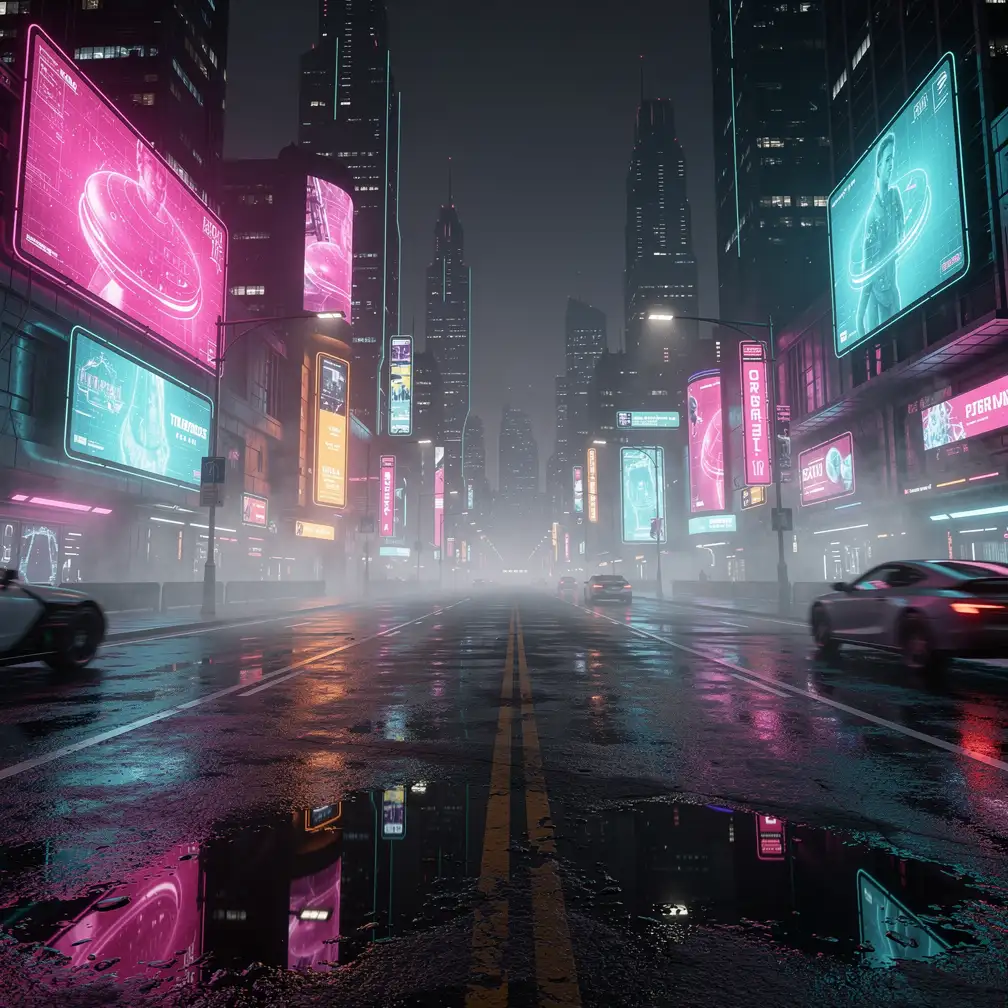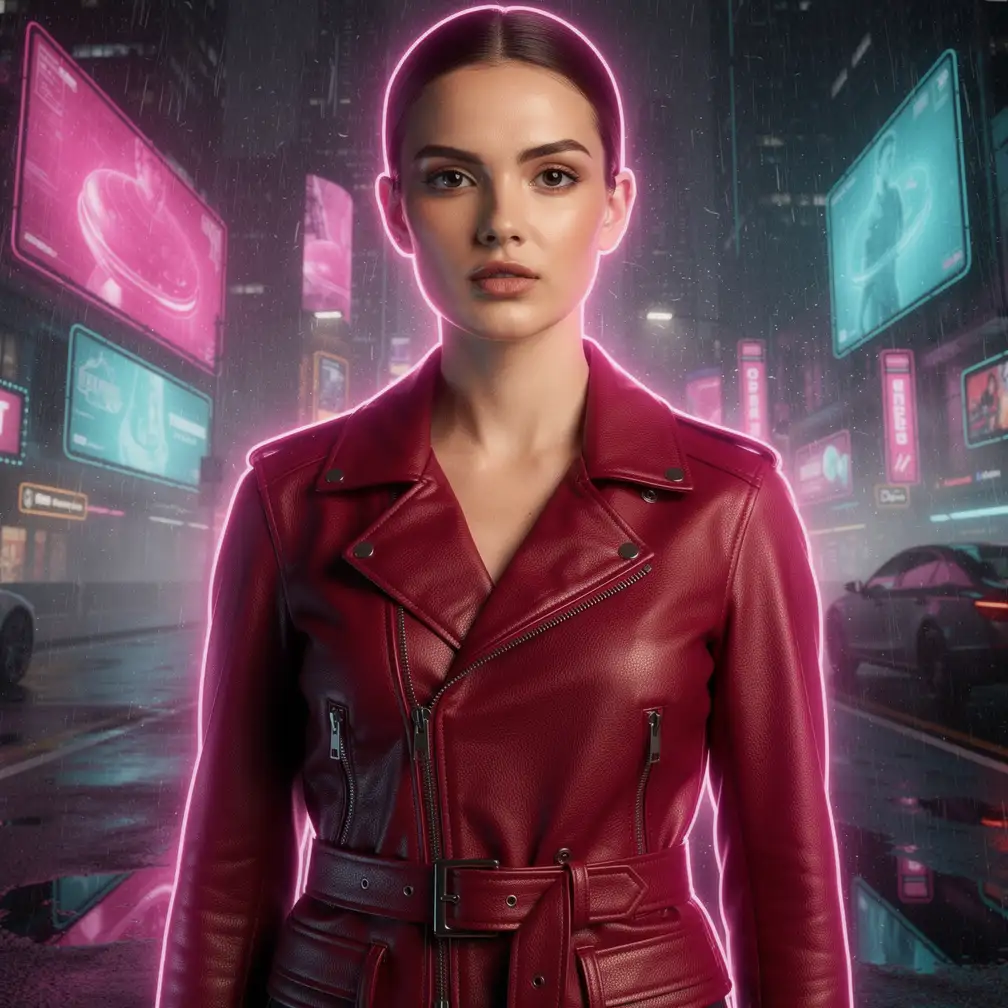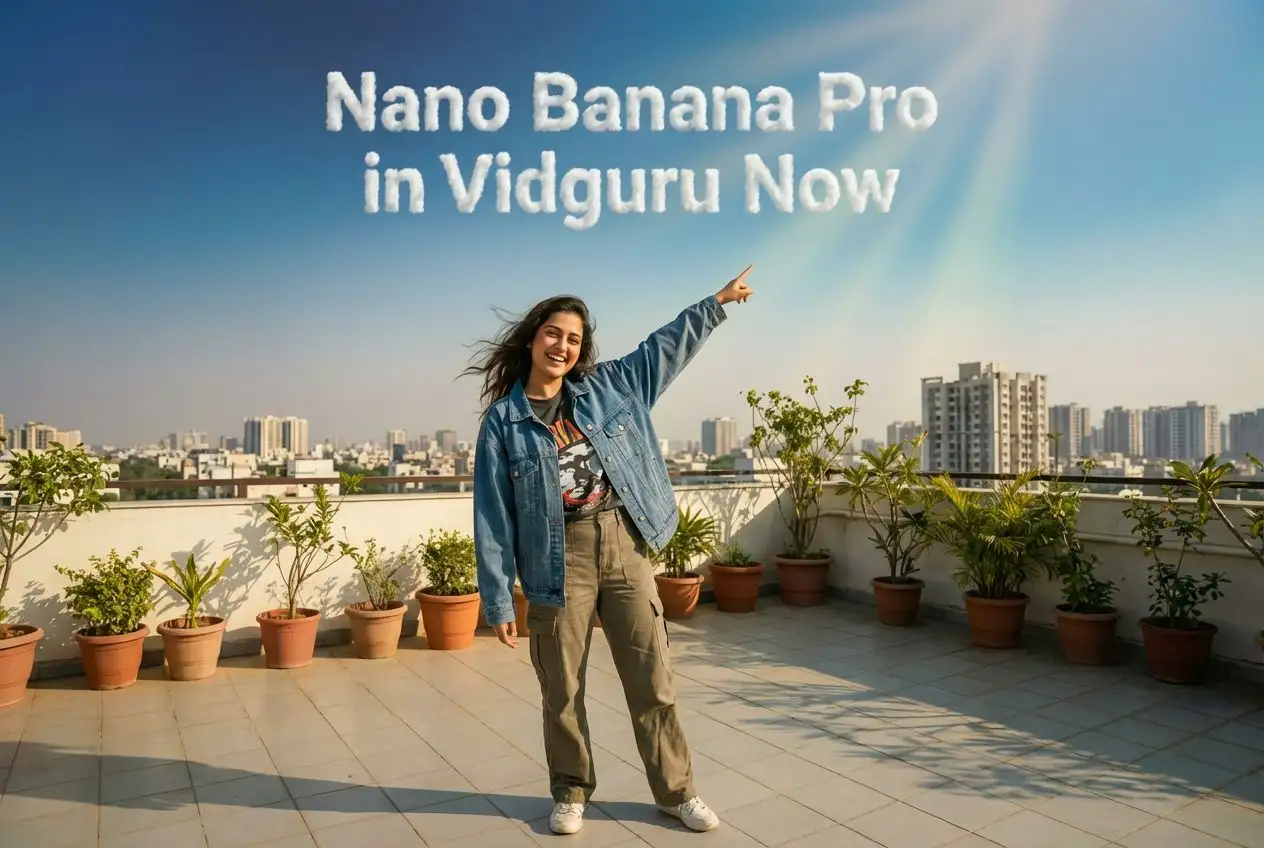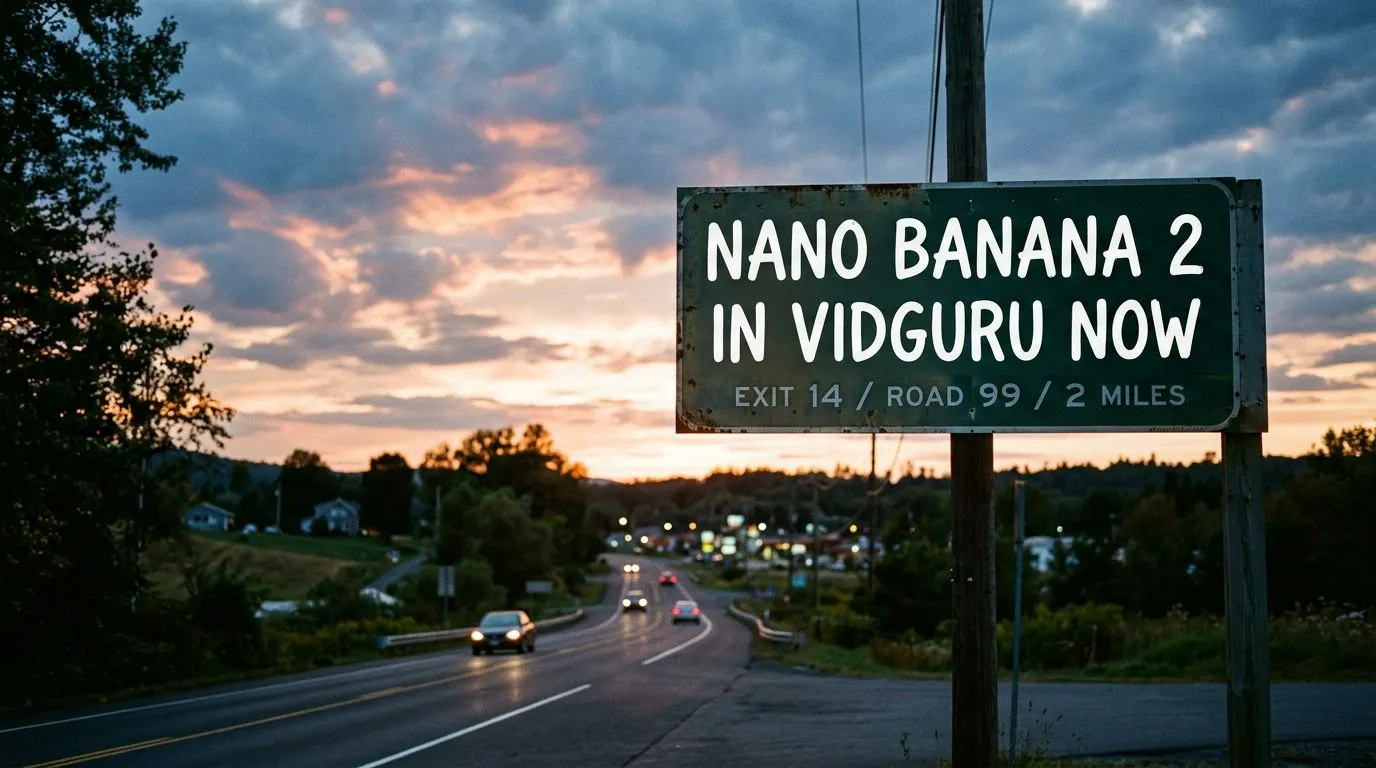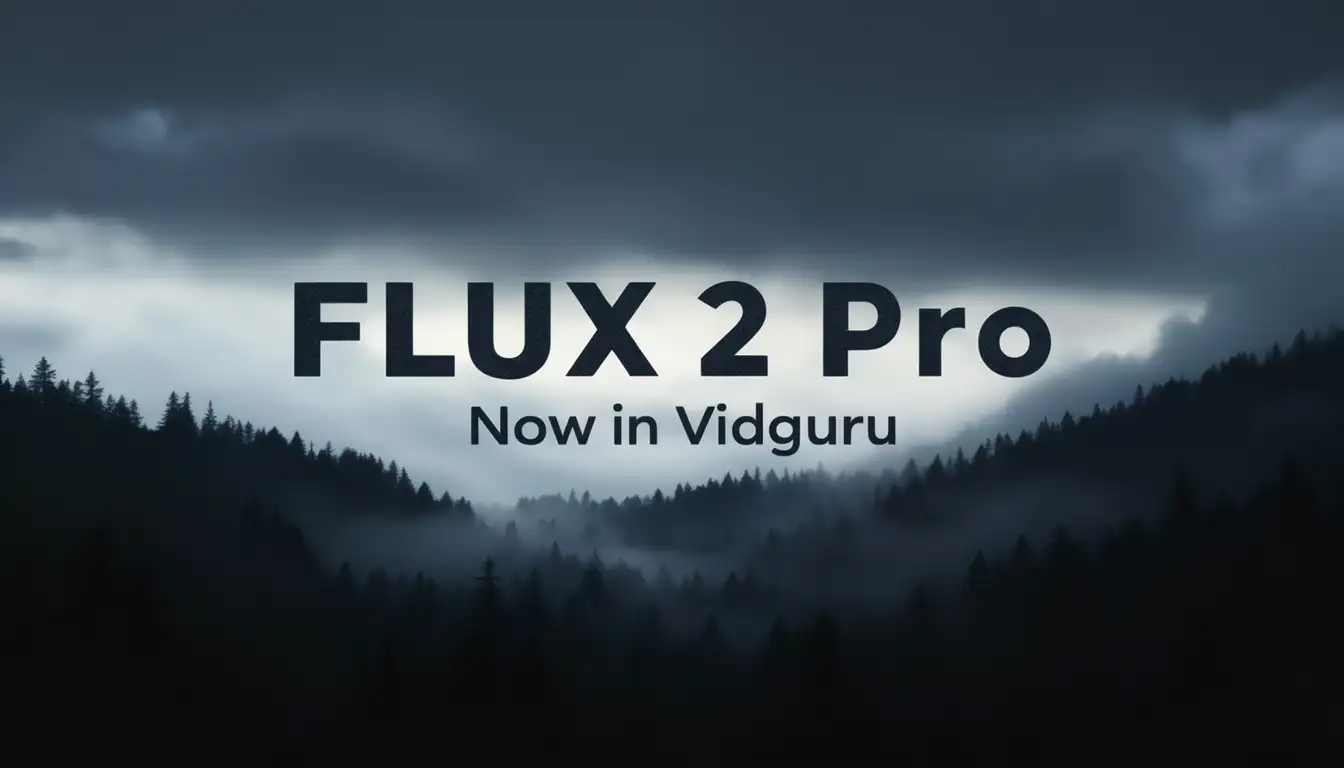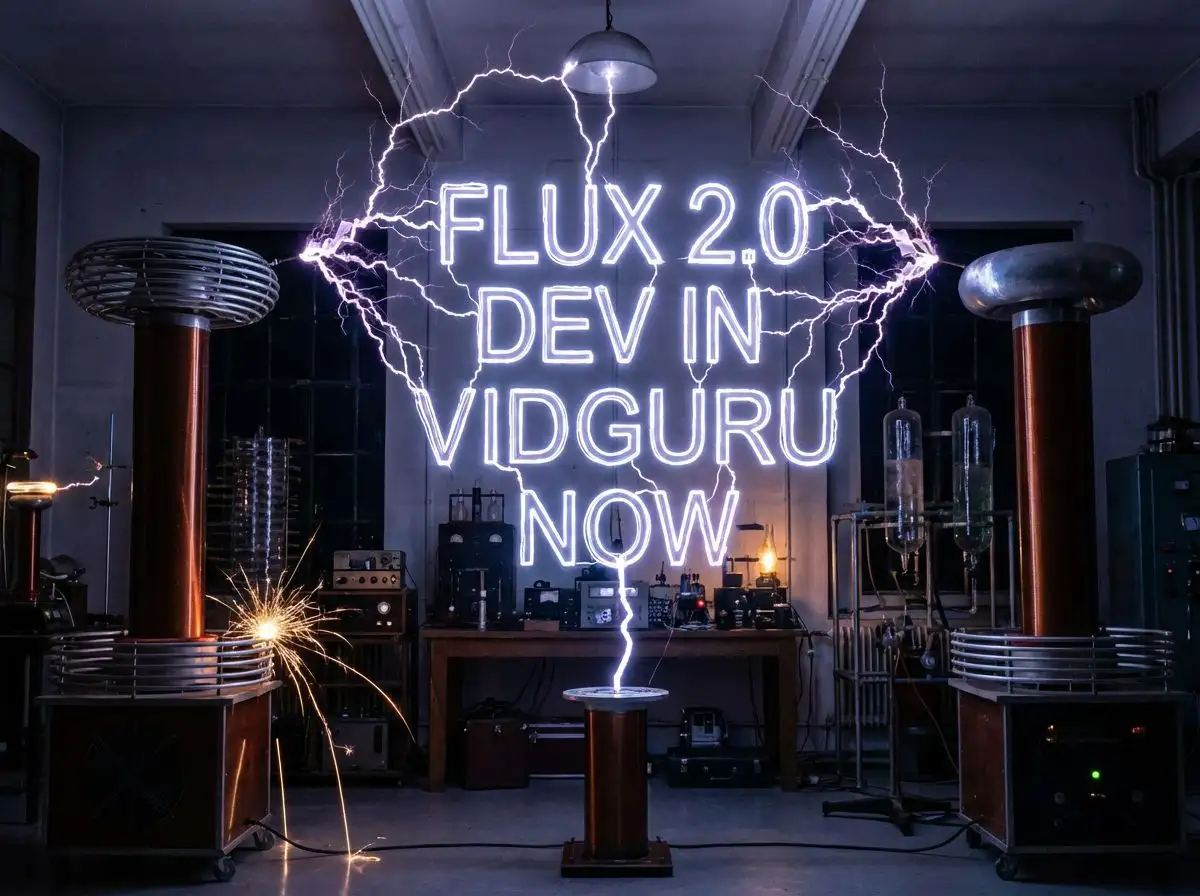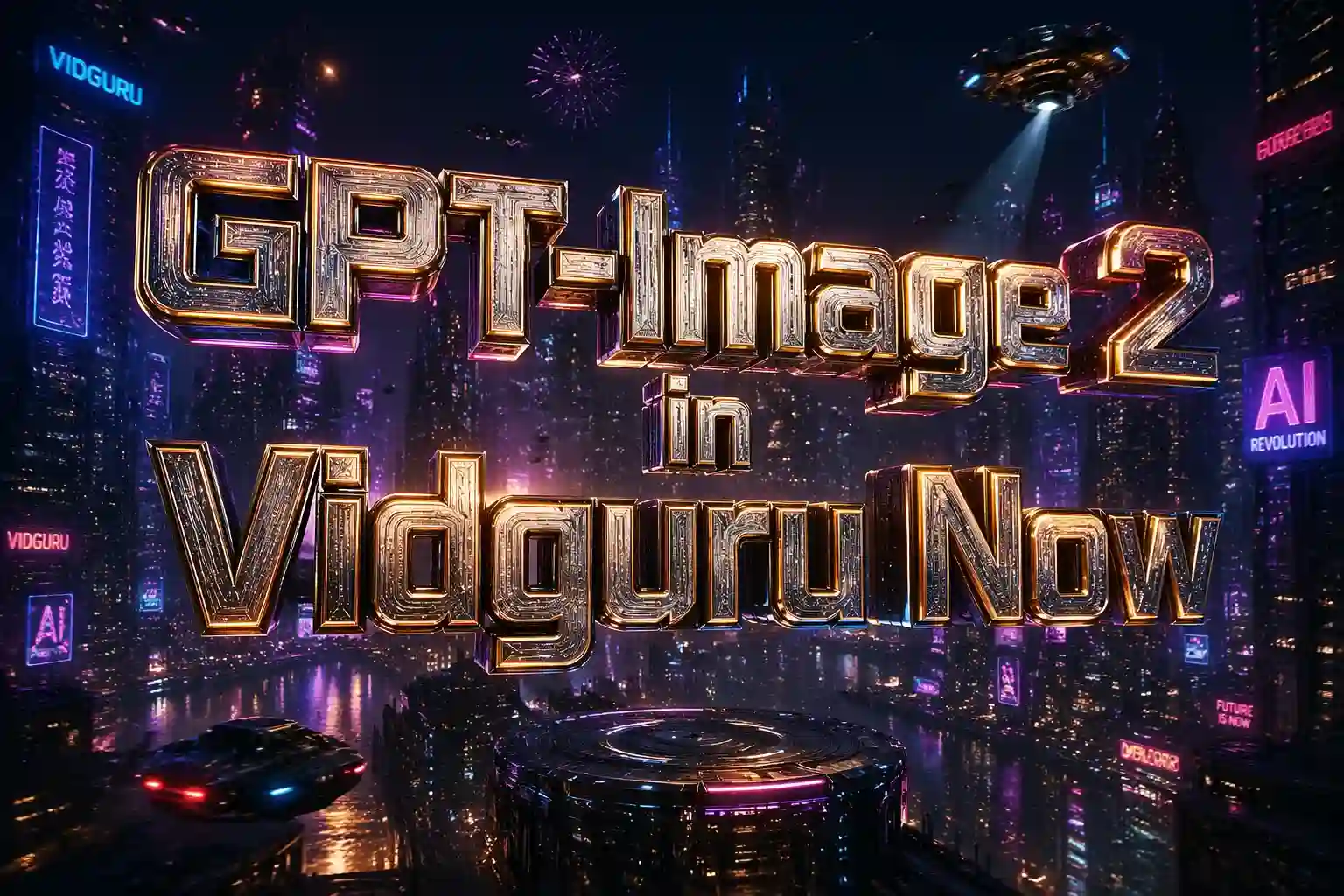
FLUX.2 Max AI Image Generator

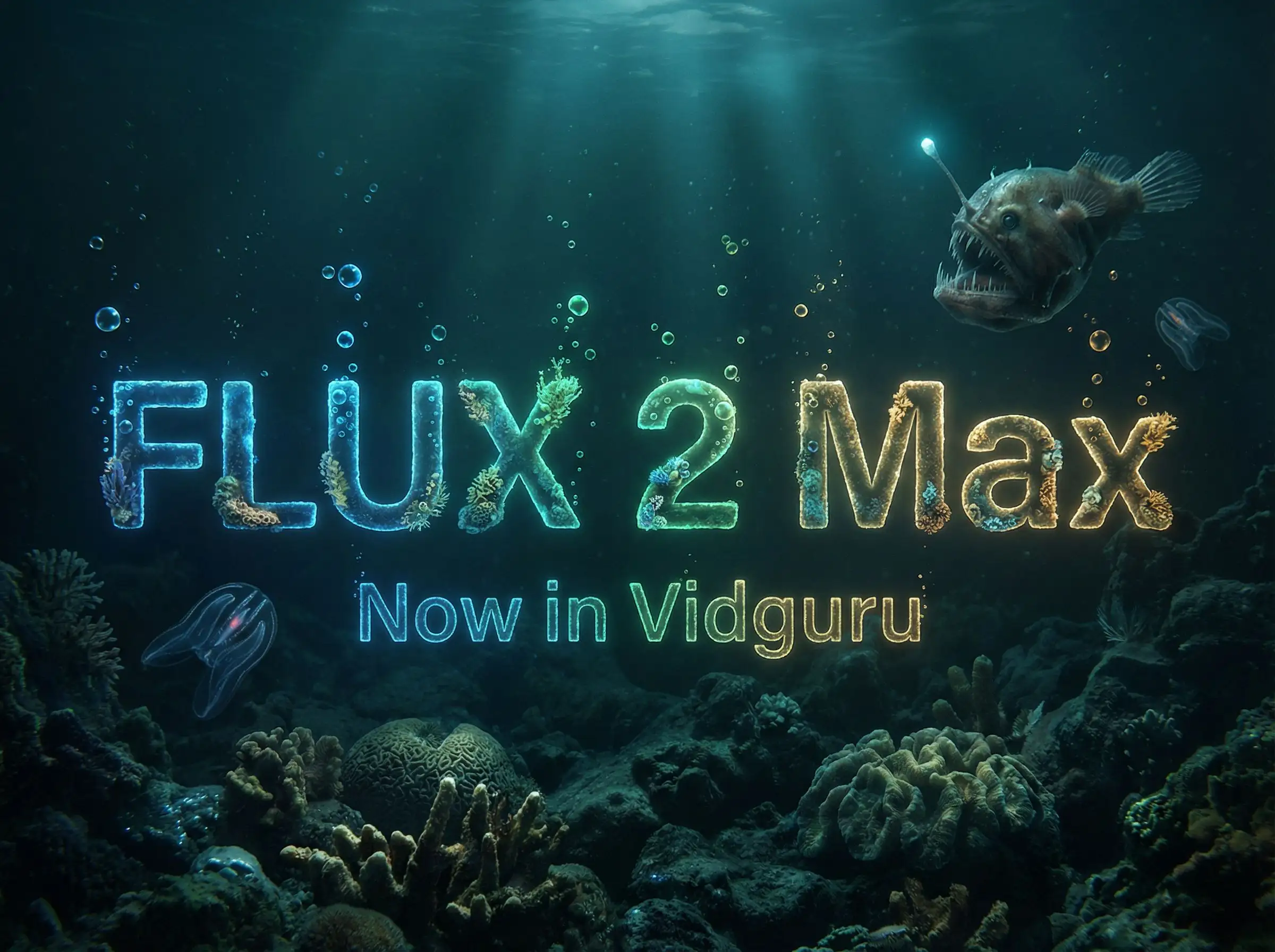
Generate high-fidelity images from prompts or edit existing visuals with Black Forest Labs FLUX.2 Max. Use text-to-image and image-to-image workflows on Vidguru with 1K, 2K, and 4K output. Try it free in Vidguru.

FLUX.2 Max AI Image Generator

Why Use FLUX.2 Max on Vidguru?

Highest-Fidelity FLUX.2 Output

FLUX.2 Max is the top-tier model in the FLUX.2 family. It is built for premium output quality, stronger prompt adherence, and more consistent editing of characters, products, styles, backgrounds, and branded visual details.
Text-to-Image and Image-to-Image

Use FLUX.2 Max to create a new image from a prompt, or upload reference images and describe the edit you want. This makes it useful for product shots, campaign visuals, fashion edits, cinematic keyframes, concept art, and high-quality social assets.

Up to 8 Reference Images

For image-to-image, Vidguru supports up to 8 uploaded reference images with FLUX.2 Max. Use references for identity, product shape, color, composition, style, background, or material details.

1K, 2K, and 4K Output

Choose 1K for prompt exploration, 2K for polished web and social assets, or 4K when you need maximum detail for product pages, ads, thumbnails, or downstream editing.

FLUX.2 Max vs FLUX.2 Pro vs FLUX.2 Dev

Model
Best fit
Vidguru reference limit
Vidguru output controls
Practical advantage
FLUX.2 Max
Premium final images, complex edits, highest consistency
Up to 8 images
1K, 2K, 4K
Best prompt adherence and final polish in the FLUX.2 lineup
Production image generation and editing at better cost
Up to 8 images
1K, 2K, 4K
Strong quality-to-cost balance for repeated workflows
Low-cost iteration and open-weight experimentation
Up to 5 images
Aspect ratio
Fast and affordable exploration before Pro or Max final rendering
Model
FLUX.2 Max
Best fit
Premium final images, complex edits, highest consistency
Production image generation and editing at better cost
Low-cost iteration and open-weight experimentation
Vidguru reference limit
Up to 8 images
Up to 8 images
Up to 5 images
Vidguru output controls
1K, 2K, 4K
1K, 2K, 4K
Aspect ratio
Practical advantage
Best prompt adherence and final polish in the FLUX.2 lineup
Strong quality-to-cost balance for repeated workflows
Fast and affordable exploration before Pro or Max final rendering

FLUX.2 Max Supported Parameters on Vidguru

Workflow
Required inputs
Optional inputs
Supported values
Text to Image
model, prompt, resolution, aspect_ratio
seed
model: flux-2-max; resolution: 1K, 2K, 4K; aspect_ratio: match_input_image, 1:1, 16:9, 3:2, 2:3, 4:5, 5:4, 9:16, 3:4, 4:3; seed: integer
Image to Image
model, prompt, uploaded reference images, resolution, aspect_ratio
seed
Uploaded reference images: 1-8 images; resolution: 1K, 2K, 4K; aspect_ratio: match_input_image, 1:1, 16:9, 3:2, 2:3, 4:5, 5:4, 9:16, 3:4, 4:3; seed: integer
Workflow
Text to Image
Image to Image
Required inputs
model, prompt, resolution, aspect_ratio
model, prompt, uploaded reference images, resolution, aspect_ratio
Optional inputs
seed
seed
Supported values
model: flux-2-max; resolution: 1K, 2K, 4K; aspect_ratio: match_input_image, 1:1, 16:9, 3:2, 2:3, 4:5, 5:4, 9:16, 3:4, 4:3; seed: integer
Uploaded reference images: 1-8 images; resolution: 1K, 2K, 4K; aspect_ratio: match_input_image, 1:1, 16:9, 3:2, 2:3, 4:5, 5:4, 9:16, 3:4, 4:3; seed: integer

FLUX.2 Max Credits on Vidguru

Workflow
1K
2K
4K
Text to Image
4 credits
6 credits
8 credits
Image to Image
6 credits
8 credits
10 credits
Workflow
Text to Image
Image to Image
1K
4 credits
6 credits
2K
6 credits
8 credits
4K
8 credits
10 credits

FLUX.2 Max Use Cases

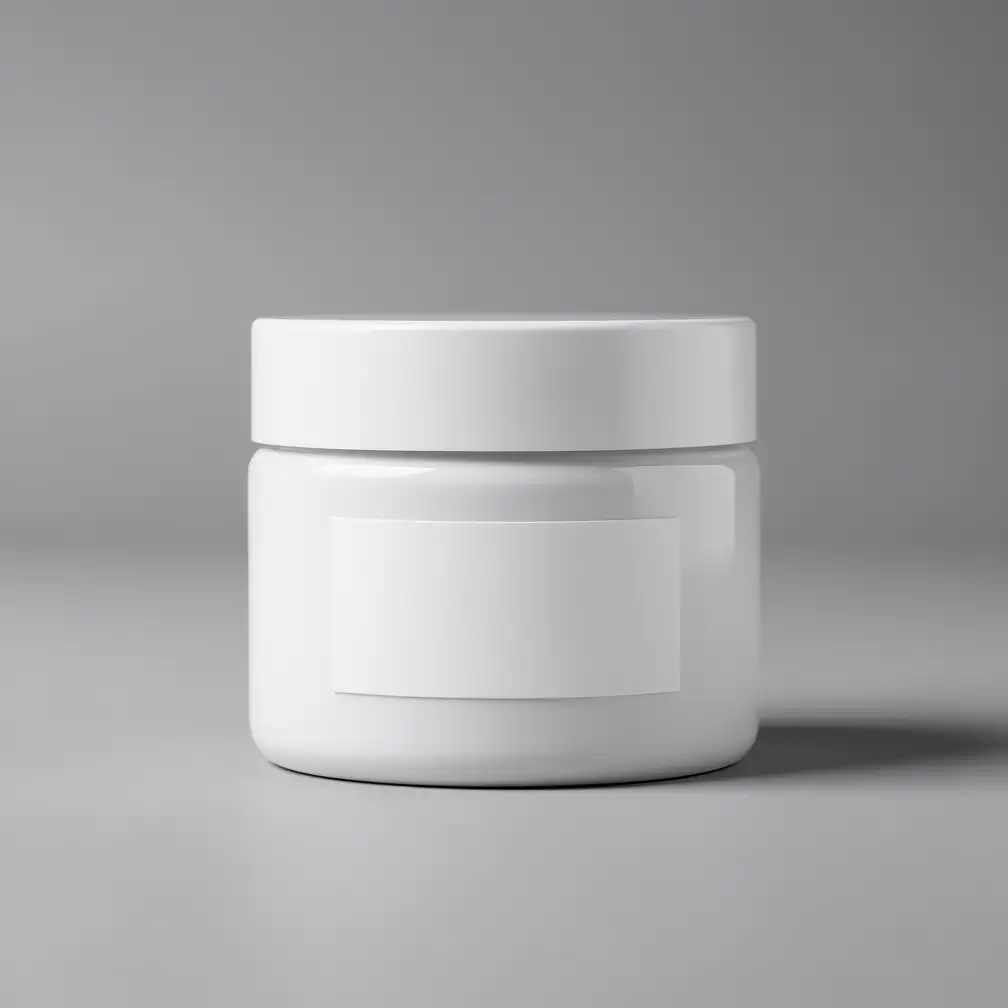
Final Luxury Product Hero Shot (Text-to-Image)

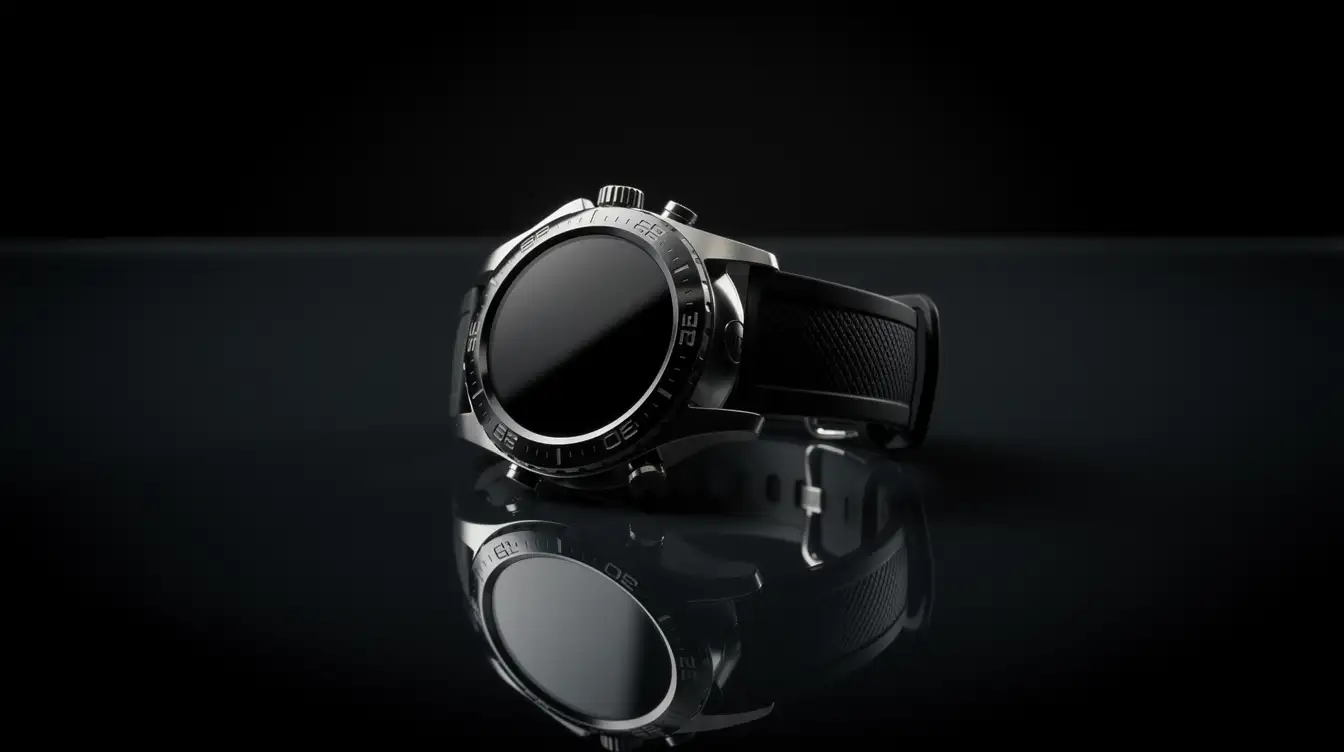
FLUX.2 Max is well suited for final product imagery where surface detail, reflections, brand polish, and prompt-specific lighting need to hold together before publication.

Generate Image From Text
Final Luxury Product Hero Shot (Text-to-Image)

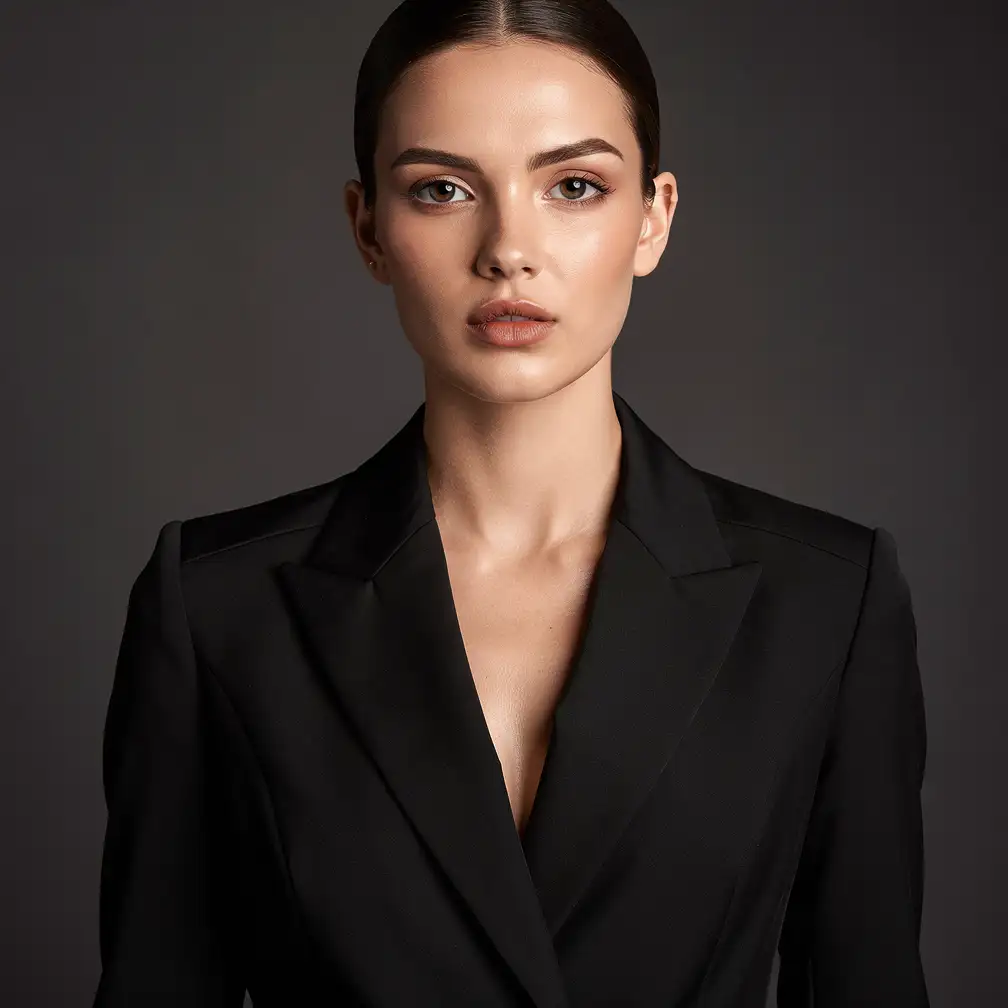
Cinematic Final Keyframe (Text-to-Image)

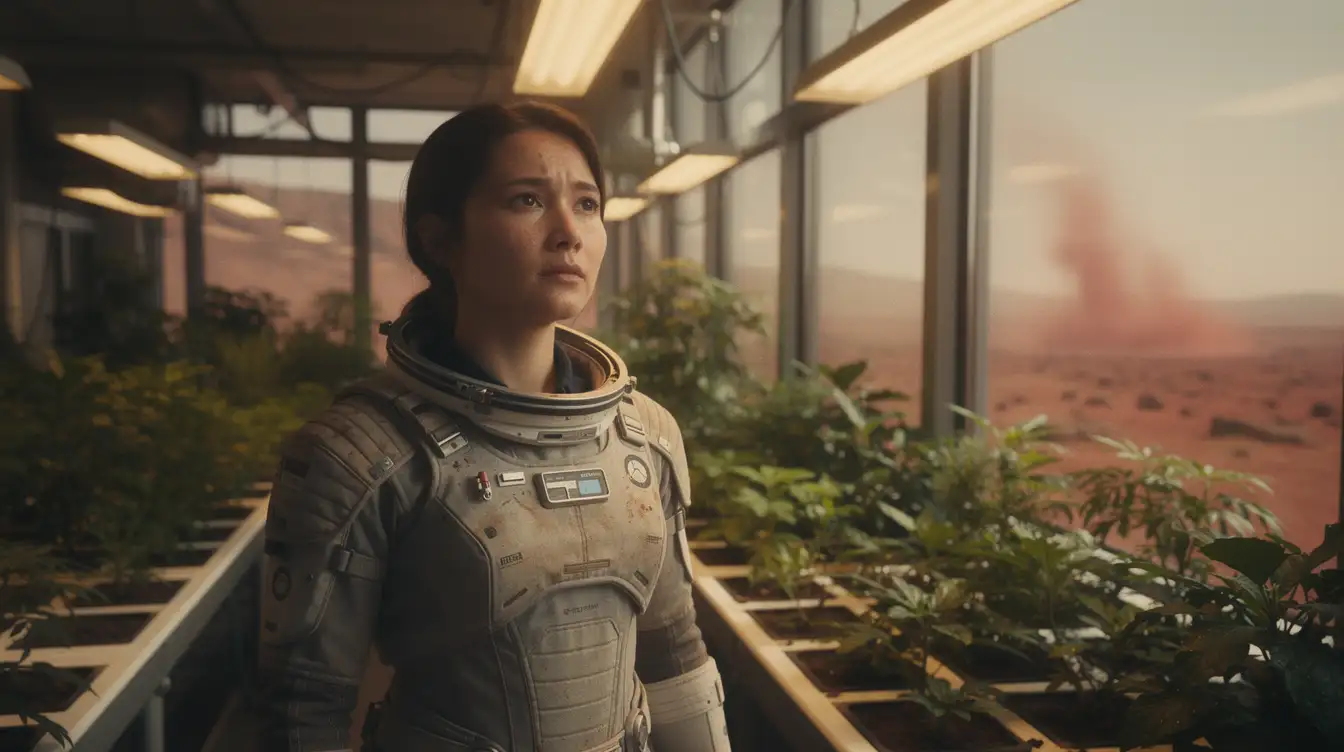
Use FLUX.2 Max for final keyframes and visual development when face consistency, emotion, lighting, and production-ready realism matter more than quick iteration.

Generate Image From Text
Cinematic Final Keyframe (Text-to-Image)

High-End Product Background Replacement (Image-to-Image)

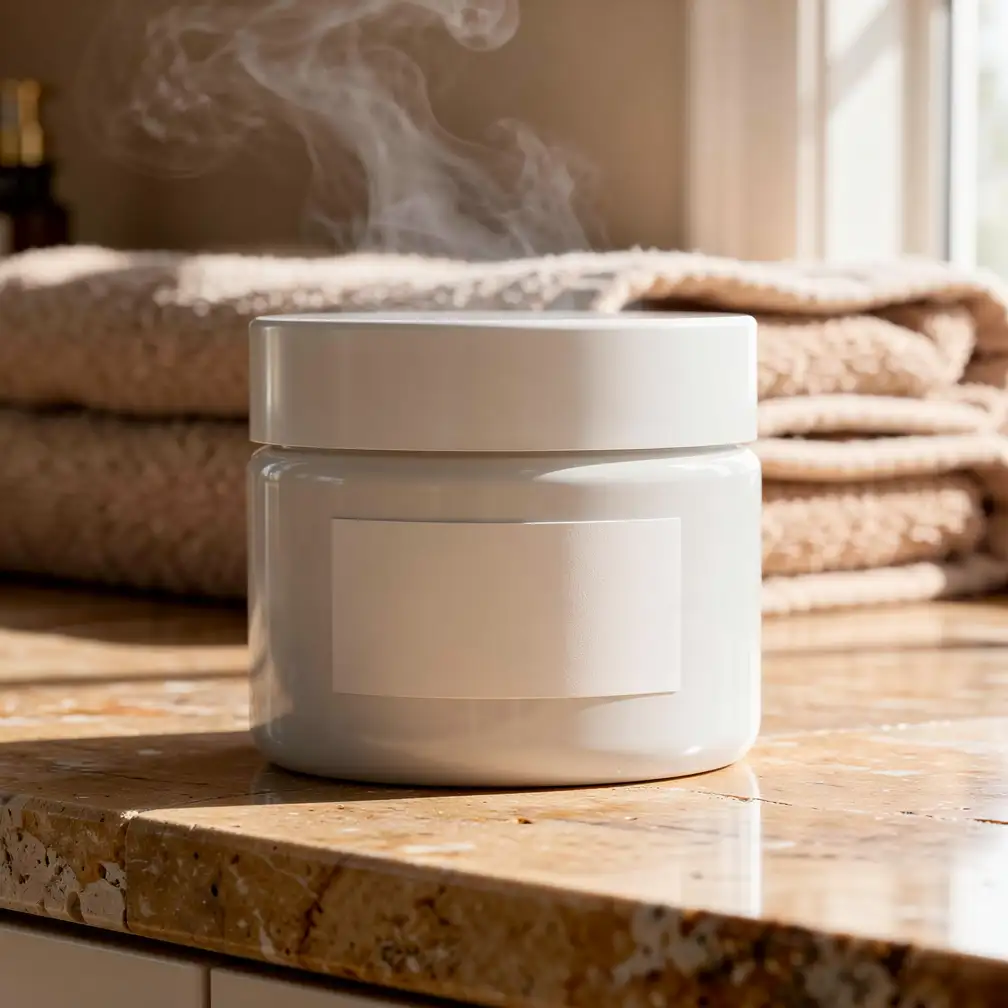
FLUX.2 Max is a strong fit for high-value product edits because it can preserve product identity while upgrading the environment, lighting, and premium campaign finish.

Generate Image From Image
High-End Product Background Replacement (Image-to-Image)Before
High-End Product Background Replacement (Image-to-Image)After

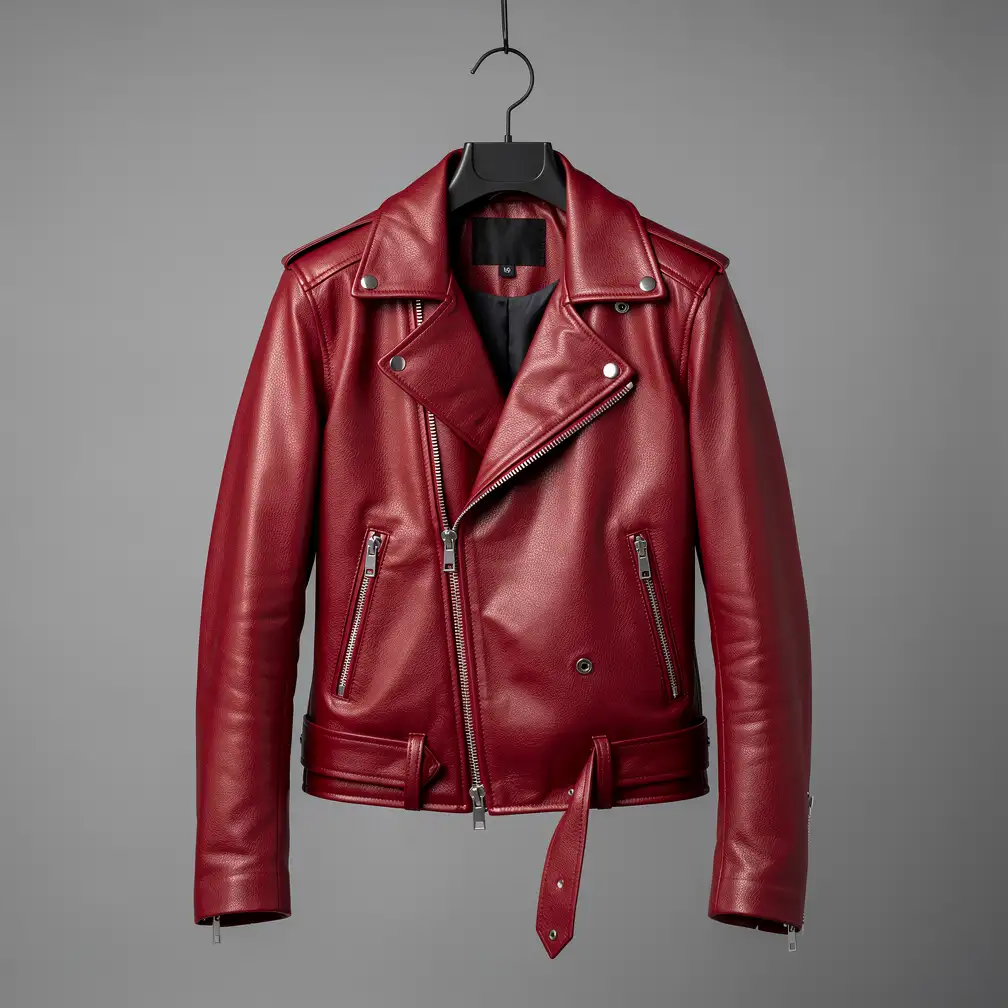
Complex Multi-Reference Fashion Campaign Edit (Image-to-Image)

Complex multi-reference editing is one of the best reasons to choose FLUX.2 Max, especially for fashion, advertising, and visual systems that need identity, style, and final-delivery consistency.

Generate Image From Image

How to Use FLUX.2 Max on Vidguru

1

Choose Text-to-Image or Image-to-Image

Use FLUX.2 Max Text to Image when you want to create from a prompt only. Use FLUX.2 Max Image to Image when you already have product, character, style, or background references.

2

Write a Precise Prompt

Describe the subject first, then the composition, lighting, style, materials, color palette, and any text that must appear. For edits, describe what should change and what must stay the same.

3

Pick Resolution and Aspect Ratio

Use 1K for quick confirmation, 2K for polished outputs, and 4K for final campaign assets. Match the aspect ratio to your target channel, such as 1:1 for product grids, 16:9 for banners, or 9:16 for mobile creative.

4

Generate, Review, and Iterate

Check prompt adherence, identity consistency, text readability, material detail, and final composition. For complex edits, review the strongest version carefully before using it in paid media, product pages, or campaign decks.

Who Should Use FLUX.2 Max?

🎬

E-commerce and Product Teams

Create premium hero photography, high-end background replacements, SKU color variants, ad banners, and marketplace-ready final images.

🛍️

Creative Agencies and Marketers

Build polished campaign concepts, branded visuals, final social ad assets, hero images, and complex multi-reference creative systems.

🏢

Fashion, Beauty, and Lifestyle Teams

Preserve models, outfits, products, and textures while changing environments, lighting, styling, or campaign mood.

🎨

Filmmakers and Visual Designers

Generate cinematic final keyframes, mood boards, character studies, and previsualization images with strong visual fidelity.

Frequently Asked Questions (FAQ)

Q1: What is FLUX.2 Max?

FLUX.2 Max is Black Forest Labs' highest-quality FLUX.2 image model. It focuses on top-tier image generation, strong prompt following, and consistent image editing.

Q2: Does FLUX.2 Max support a free trial on Vidguru?

Yes. FLUX.2 Max supports a free trial on Vidguru, so users can test premium FLUX.2 text-to-image and image-to-image workflows before choosing a paid plan.

Q3: Does FLUX.2 Max support text-to-image and image-to-image on Vidguru?

Yes. Vidguru supports both workflows. For text-to-image, use prompt, resolution, aspect_ratio, and optional seed. For image-to-image, upload reference images and use prompt, resolution, aspect_ratio, and optional seed.

Q4: When should I choose FLUX.2 Max instead of FLUX.2 Pro?

Choose FLUX.2 Max when the image needs the best prompt adherence, highest edit consistency, and final polish. Choose FLUX.2 Pro when you want strong production quality at a lower credit cost.

Q5: What is the difference between FLUX.2 Dev and the other FLUX.2 versions?

FLUX.2 Dev is the open-weight, efficiency-friendly version. It is useful for lower-cost iteration and fast creative testing, while FLUX.2 Pro and Max are better choices for production reliability and premium output quality.

Q6: How many reference images can FLUX.2 Max use on Vidguru?

Vidguru supports up to 8 uploaded reference images for FLUX.2 Max image-to-image.

Q7: What resolutions are available?

Vidguru supports 1K, 2K, and 4K for FLUX.2 Max.

Q8: What aspect ratios are supported?

Supported values are match_input_image, 1:1, 16:9, 3:2, 2:3, 4:5, 5:4, 9:16, 3:4, and 4:3. In text-to-image, match_input_image is treated as 1:1.

Q9: How should I write a good FLUX.2 Max prompt?

Be specific and affirmative. Describe what should appear instead of listing negatives. For edits, name each reference image's role and clearly state which identity, product, style, color, or background should be preserved.