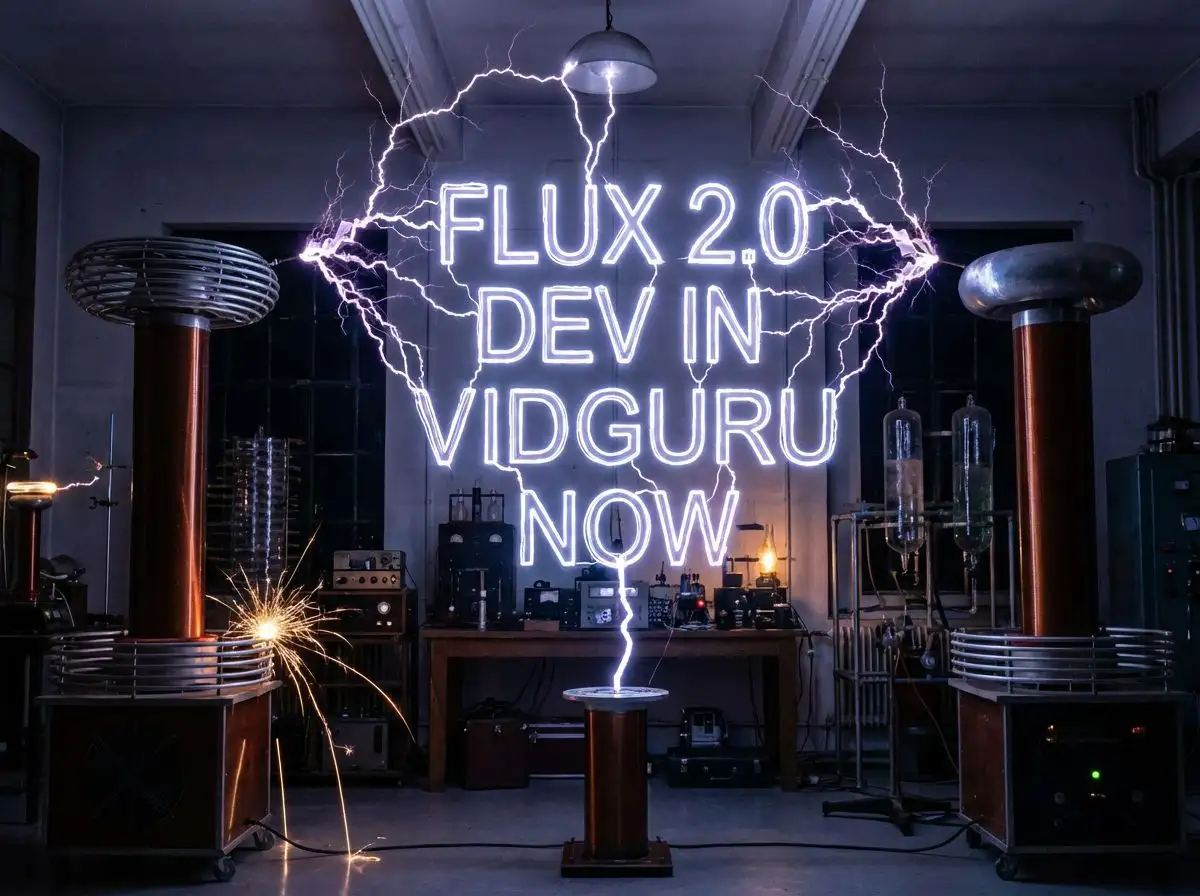
FLUX.2 Dev AI Image Generator

Generate and edit images with Black Forest Labs FLUX.2 Dev on Vidguru. Use an efficient open-weight FLUX.2 model for text-to-image, image-to-image, and fast creative iteration. Try it free in Vidguru.

FLUX.2 Dev AI Image Generator

Why Use FLUX.2 Dev on Vidguru?

Efficient Open-Weight FLUX.2 Model

FLUX.2 Dev is the open-weight, development-friendly member of the FLUX.2 family. It is useful for creative testing, affordable iteration, and workflows where you want strong results before moving to a premium final render.
Text-to-Image and Image-to-Image

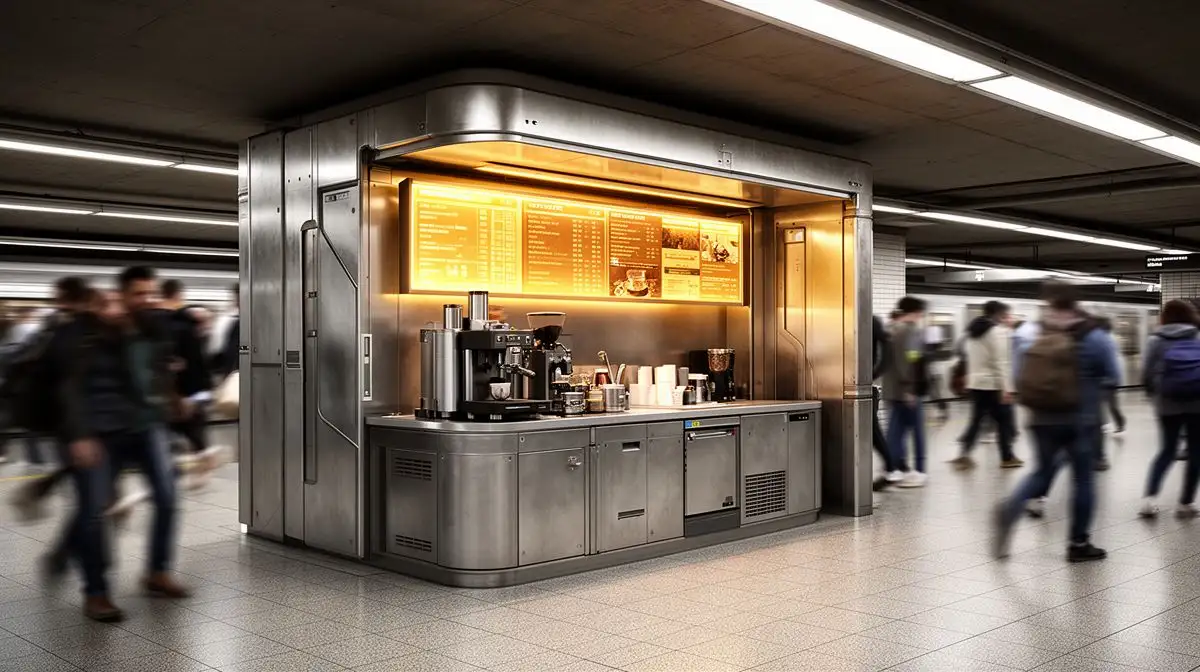
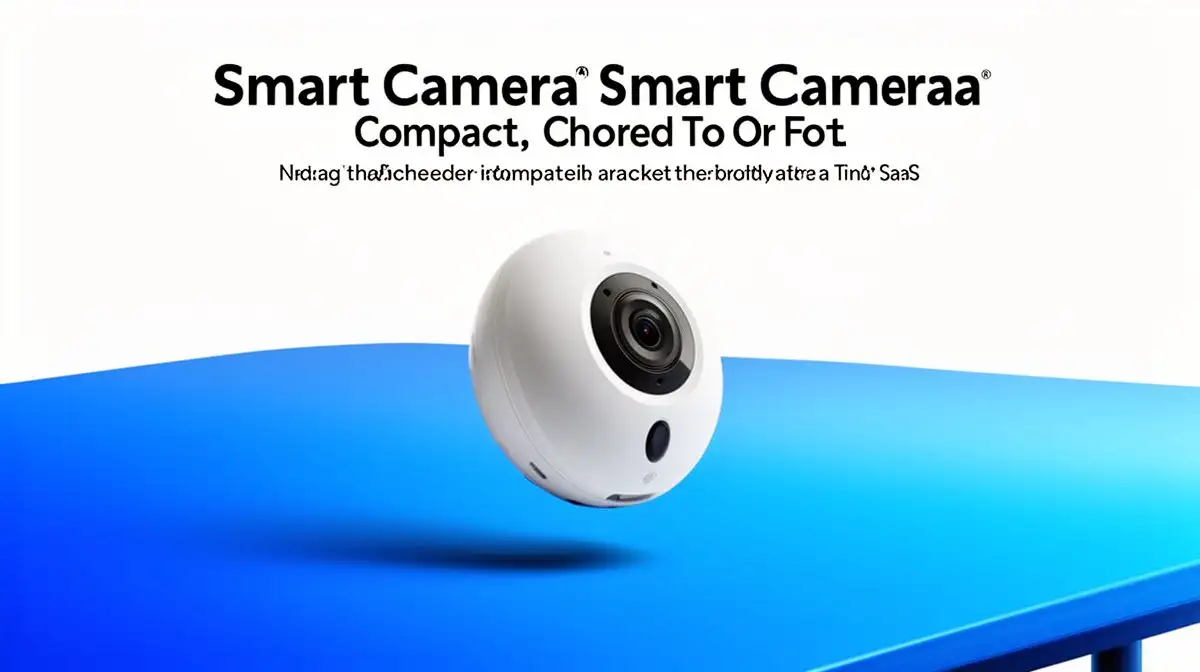
Vidguru supports FLUX.2 Dev for both prompt-only generation and image-guided editing. Use it to create new scenes, revise uploaded images, or blend references into a new composition.

Flexible Aspect Ratios

FLUX.2 Dev supports practical aspect ratios for common creative formats, including square, widescreen, vertical, portrait, and product-card layouts.

Low-Cost Creative Iteration

FLUX.2 Dev uses fixed, low Vidguru credit rules: 1 credit for text-to-image and 2 credits for image-to-image. This makes it a strong sketching and exploration model.

FLUX.2 Dev vs FLUX.2 Pro vs FLUX.2 Max

Model
Best fit
Vidguru reference limit
Vidguru output controls
Practical advantage
FLUX.2 Dev
Low-cost iteration and open-weight experimentation
Up to 5 images
Aspect ratio
Fast and affordable exploration before Pro or Max final rendering
Production image generation and editing at balanced cost
Up to 8 images
1K, 2K, 4K
Strong quality-to-cost balance for repeated workflows
Premium final images, complex edits, highest consistency
Up to 8 images
1K, 2K, 4K
Best prompt adherence and final polish in the FLUX.2 lineup
Model
FLUX.2 Dev
Best fit
Low-cost iteration and open-weight experimentation
Production image generation and editing at balanced cost
Premium final images, complex edits, highest consistency
Vidguru reference limit
Up to 5 images
Up to 8 images
Up to 8 images
Vidguru output controls
Aspect ratio
1K, 2K, 4K
1K, 2K, 4K
Practical advantage
Fast and affordable exploration before Pro or Max final rendering
Strong quality-to-cost balance for repeated workflows
Best prompt adherence and final polish in the FLUX.2 lineup

FLUX.2 Dev Supported Parameters on Vidguru

Workflow
Required inputs
Optional inputs
Supported values
Text to Image
model, prompt, aspect_ratio
seed
model: flux-2-dev; aspect_ratio: match_input_image, 1:1, 16:9, 3:2, 2:3, 4:5, 5:4, 9:16, 3:4, 4:3; seed: integer
Image to Image
model, prompt, uploaded reference images, aspect_ratio
seed
Uploaded reference images: 1-5 images; aspect_ratio: match_input_image, 1:1, 16:9, 3:2, 2:3, 4:5, 5:4, 9:16, 3:4, 4:3; seed: integer
Workflow
Text to Image
Image to Image
Required inputs
model, prompt, aspect_ratio
model, prompt, uploaded reference images, aspect_ratio
Optional inputs
seed
seed
Supported values
model: flux-2-dev; aspect_ratio: match_input_image, 1:1, 16:9, 3:2, 2:3, 4:5, 5:4, 9:16, 3:4, 4:3; seed: integer
Uploaded reference images: 1-5 images; aspect_ratio: match_input_image, 1:1, 16:9, 3:2, 2:3, 4:5, 5:4, 9:16, 3:4, 4:3; seed: integer

FLUX.2 Dev Credits on Vidguru

Workflow
Credit rule
Text to Image
1 credit
Image to Image
2 credits
Workflow
Text to Image
Image to Image
Credit rule
1 credit
2 credits

FLUX.2 Dev Use Cases

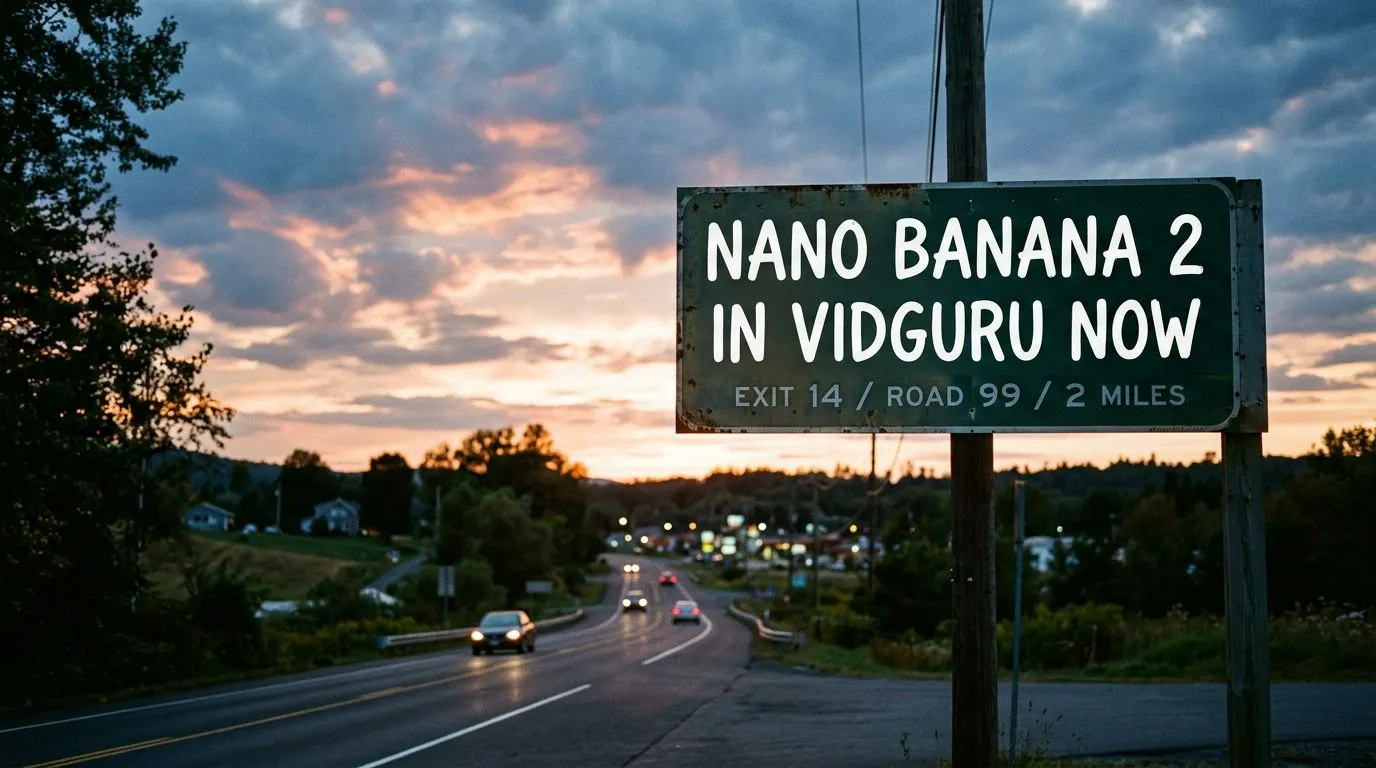
Fast Concept Sketch (Text-to-Image)

FLUX.2 Dev is a good fit for early visual exploration where speed, cost, and broad prompt understanding matter more than final premium polish.

Generate Image From Text
Fast Concept Sketch (Text-to-Image)

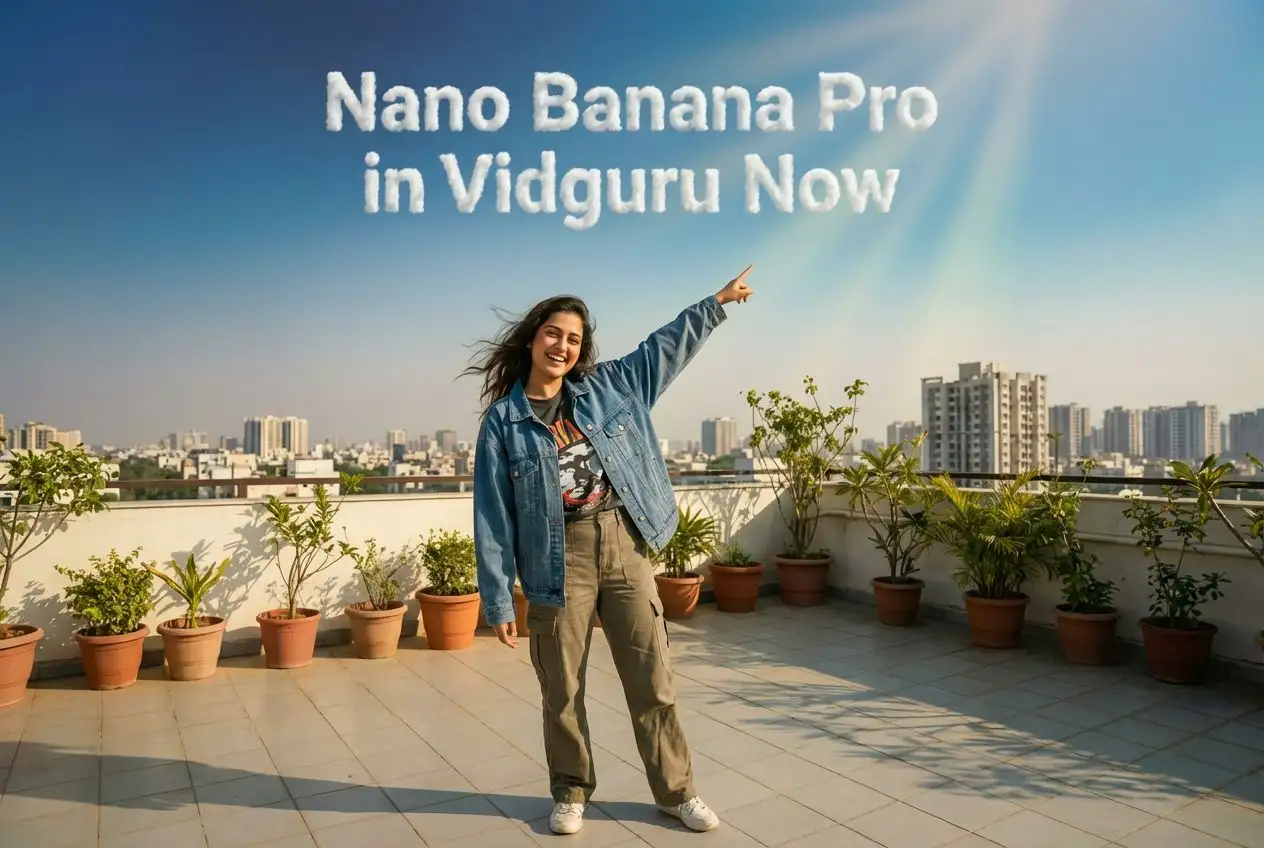
Social Banner Concept (Text-to-Image)

Use FLUX.2 Dev when you need quick layout ideas for web, ad, or social placements before moving to a higher-end final render.

Generate Image From Text
Social Banner Concept (Text-to-Image)

Quick Product Style Upgrade (Image-to-Image)

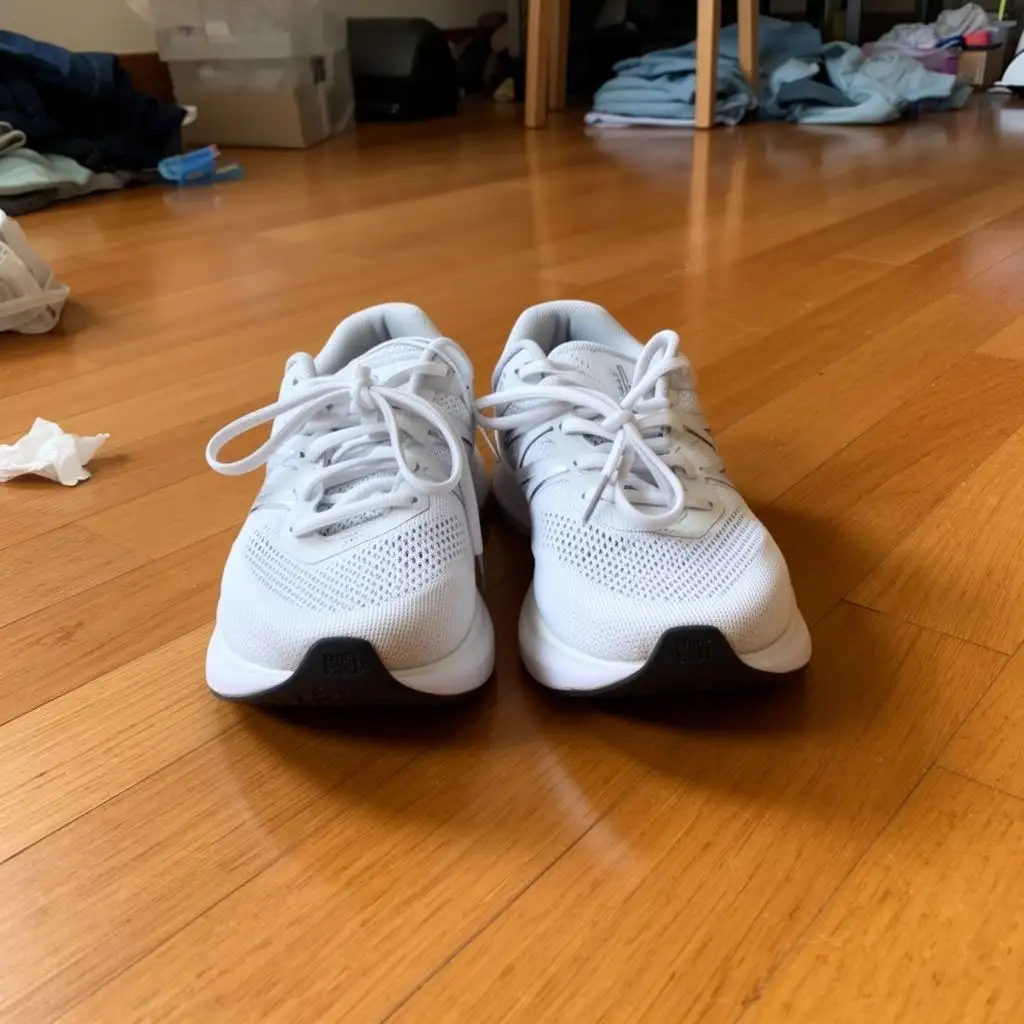
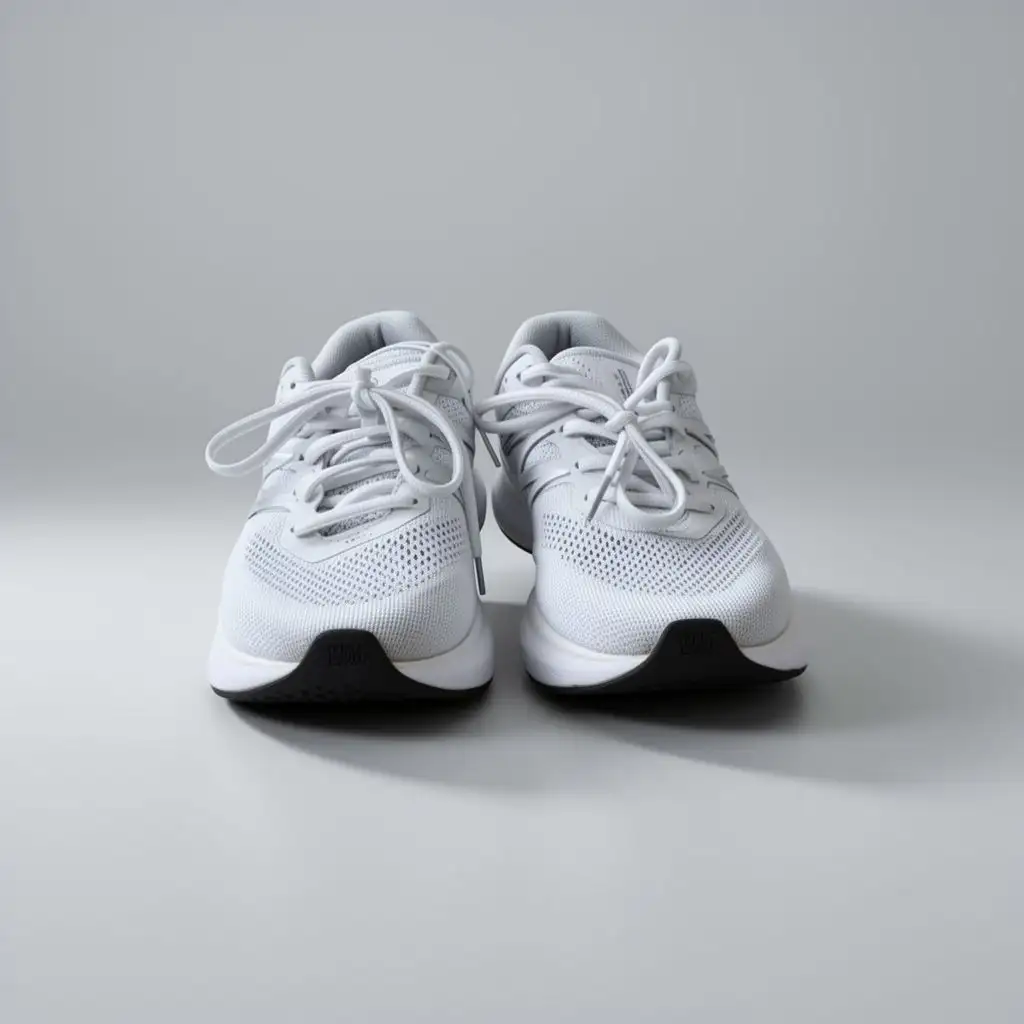
FLUX.2 Dev is useful for affordable image cleanup and style direction before using Pro or Max for final production.

Generate Image From Image
Quick Product Style Upgrade (Image-to-Image)Before
Quick Product Style Upgrade (Image-to-Image)After

How to Use FLUX.2 Dev on Vidguru

1

Choose Text-to-Image or Image-to-Image

Use Text to Image for new visual ideas and early concepts. Use Image to Image when you want to preserve or transform uploaded references.

2

Write a Clear Prompt

Put the main subject first, then style, lighting, background, materials, and layout. For edits, state what should stay the same before describing the transformation.

3

Pick an Aspect Ratio

Choose a ratio such as 1:1, 16:9, 9:16, 4:5, or 3:4 based on the destination.

4

Iterate Before Final Rendering

Use FLUX.2 Dev to explore ideas cheaply. When a concept is approved, move the best prompt or reference set to FLUX.2 Pro or FLUX.2 Max for higher-end final output.

Who Should Use FLUX.2 Dev?

🎬

Creators and Solo Builders

Generate fast drafts, social concepts, thumbnails, mood boards, and image edits without spending premium credits on every attempt.

🛍️

Designers and Art Directors

Explore composition, color, visual direction, and layout direction before committing to a final render.

🏢

Product and Marketing Teams

Create low-cost product visual tests, campaign directions, background ideas, and reference combinations.

🎨

Developers and AI Experimenters

Use the open-weight FLUX.2 family member as an efficient model for testing prompts, workflows, and image-editing ideas.

Frequently Asked Questions (FAQ)

Q1: What is FLUX.2 Dev?

FLUX.2 Dev is Black Forest Labs' open-weight FLUX.2 image generation and editing model. It supports prompt-based creation, image editing, and multi-reference workflows.

Q2: Does FLUX.2 Dev support a free trial on Vidguru?

Yes. FLUX.2 Dev supports a free trial on Vidguru, making it a good entry point for testing FLUX.2 text-to-image and image-to-image workflows.

Q3: Does FLUX.2 Dev support text-to-image and image-to-image on Vidguru?

Yes. Vidguru supports both workflows. For text-to-image, use prompt, aspect_ratio, and optional seed. For image-to-image, upload reference images and use prompt, aspect_ratio, and optional seed.

Q4: What is the difference between FLUX.2 Dev and FLUX.2 Pro or Max?

FLUX.2 Dev is the open-weight, efficiency-focused version and is best for low-cost iteration and experimentation. FLUX.2 Pro is better for production quality at scale, while FLUX.2 Max is the premium choice for the strongest prompt adherence and edit consistency.

Q5: When should I use FLUX.2 Dev instead of other image models?

Use FLUX.2 Dev when you want to test many ideas quickly, keep credit cost low, or prepare a strong draft before moving to FLUX.2 Pro or FLUX.2 Max.

Q6: How many reference images can FLUX.2 Dev use on Vidguru?

Vidguru supports up to 5 uploaded reference images for FLUX.2 Dev image-to-image.

Q7: Does FLUX.2 Dev support 1K, 2K, or 4K resolution settings on Vidguru?

No. The current Vidguru FLUX.2 Dev page does not offer a resolution setting. Use the available aspect ratio controls instead.

Q8: What aspect ratios are supported?

Supported values are match_input_image, 1:1, 16:9, 3:2, 2:3, 4:5, 5:4, 9:16, 3:4, and 4:3.

Q9: How should I write a good FLUX.2 Dev prompt?

Keep the prompt clear and practical. Describe the subject, style, lighting, background, and layout you want. For image-to-image, explain what the uploaded reference images should preserve or change.